 Pachat.ai

Codex Headless: How to Run Codex in Scripts, CI and Your Own Apps
Updated 2026-11
TL;DR: Codex headless means running Codex without the interactive terminal UI, mainly through codex exec in scripts and CI, or through the Codex SDK and app server inside your own tools. As of November 2026, codex exec starts in a read-only sandbox and only loads a repository's own config after you pass --trust. Give it the least permissions it needs, and prove what it ships in a separate check.
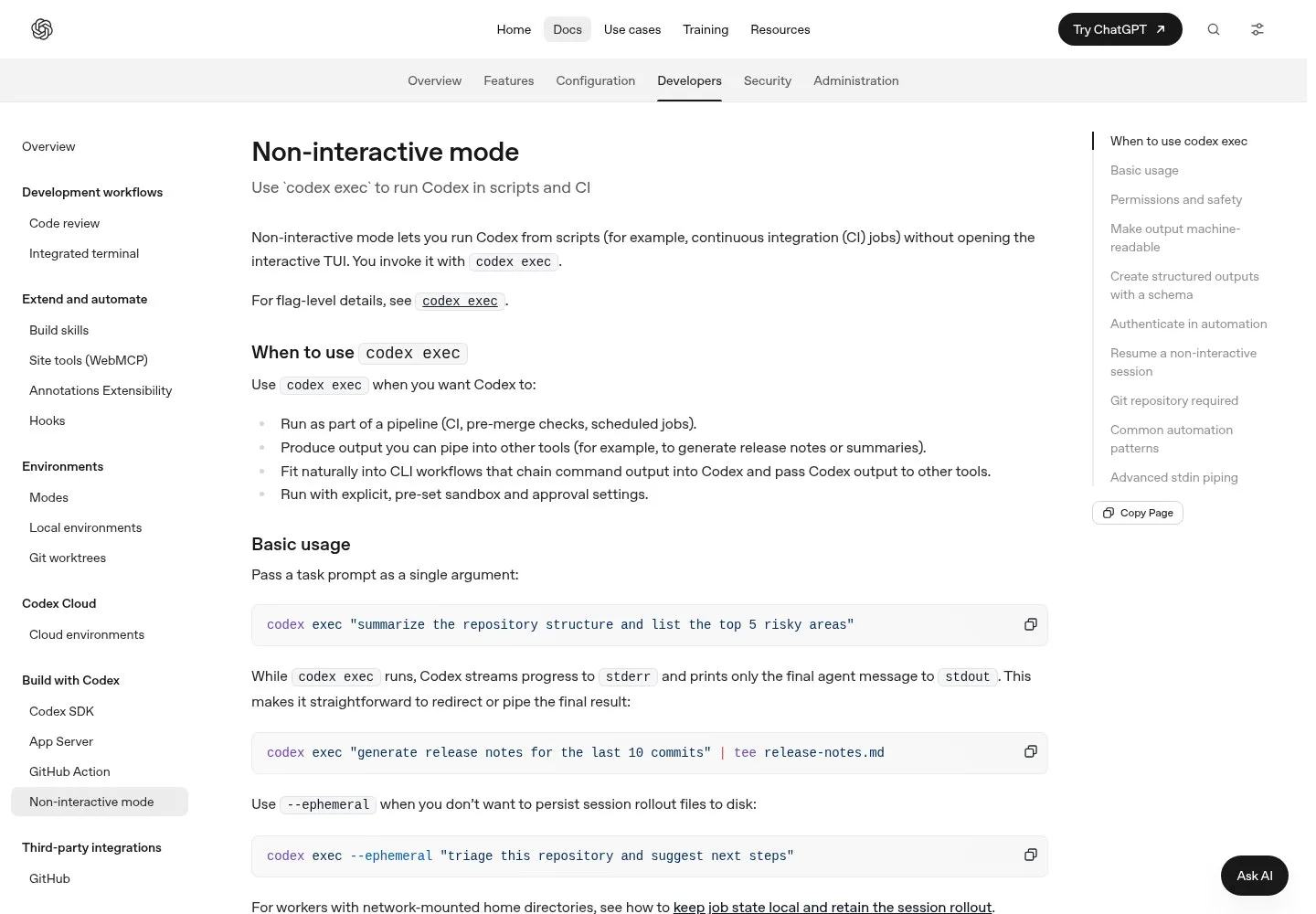
Screenshot of OpenAI's official Codex non-interactive mode docs, November 2026.
What Is Codex Headless?
Codex headless is the practice of running Codex from a script, a pipeline or another program instead of chatting with it in the terminal UI. In OpenAI's November 2026 docs the main entry point is codex exec, built for 4 jobs: pipelines such as CI, pre-merge checks and scheduled jobs, output you pipe into other tools, CLI chains, and runs with pre-set sandbox and approval settings. The SDK and app server cover the rest.
Coding agents are not just about writing code. It's an agentic coding platform, but you can use it for way more. Like for example, you can use it to automate a bunch of stuff.
The headless versions of that idea fall into three groups:
- One-shot runs. You pass a task prompt, Codex works, and only the final agent message lands on
stdout. - Pipelines. You can have scheduled tasks or CI, so you can listen to events and then run on commit push, pull down the repo and then test it out.
- Embedded agents. You build Codex into your own application, so a button or an API call starts the work.
If you are new to the tool itself, start with how to use Codex and come back here for the headless part.
How to Run codex exec in Scripts and CI
The codex exec command is the simplest Codex headless setup: one command, one prompt, one final answer. Per OpenAI's docs as of November 2026, Codex streams progress to stderr and prints only the final agent message to stdout, so you can redirect it, pipe it or write it to a file. Adding --json turns stdout into a JSON Lines stream of every event, which is what most CI scripts read.
| Goal | Command pattern (official docs) |
|---|---|
| One-shot task | codex exec "summarize the repository structure and list the top 5 risky areas" |
| Save the answer | codex exec "generate release notes for the last 10 commits" | tee release-notes.md |
| Don't keep session files | codex exec --ephemeral "triage this repository and suggest next steps" |
| Machine-readable events | codex exec --json "summarize the repo structure" | jq |
| Fixed JSON shape | codex exec "Extract project metadata" --output-schema ./schema.json -o ./project-metadata.json |
| Allow edits | codex exec --sandbox workspace-write "..." |
Before you wire an agent into CI, ask whether the job needs a model at all. Sometimes, when you know exactly what you want, it's much better to just write the code that uses the SDK to connect to those tools and build your workflow.
The beauty of this is that you are not asking the model every time. You can simply run this script, and the script will connect through the SDK without an LLM in the middle. Now you have an automation that you can run on a schedule.
A small real example: you email yourself a to do list, and a script picks that up and adds the items to a spreadsheet. The first version had to be corrected because it was adding the to do items in different columns, but it's now working correctly. Keep Codex for the judgment calls, and keep scripts for the steps you already know.
For more patterns like this, see how to automate tasks with AI.
Codex Headless Safety: Sandbox and Trust
Codex headless safety is a matter of two switches, and a November 2026 Codex CLI release changed how the second one behaves. By default codex exec runs in a read-only sandbox, and OpenAI's docs say to use danger-full-access only in a controlled environment such as an isolated CI runner or container. The second switch, trust, decides whether a repository's own config and MCP servers load at all.
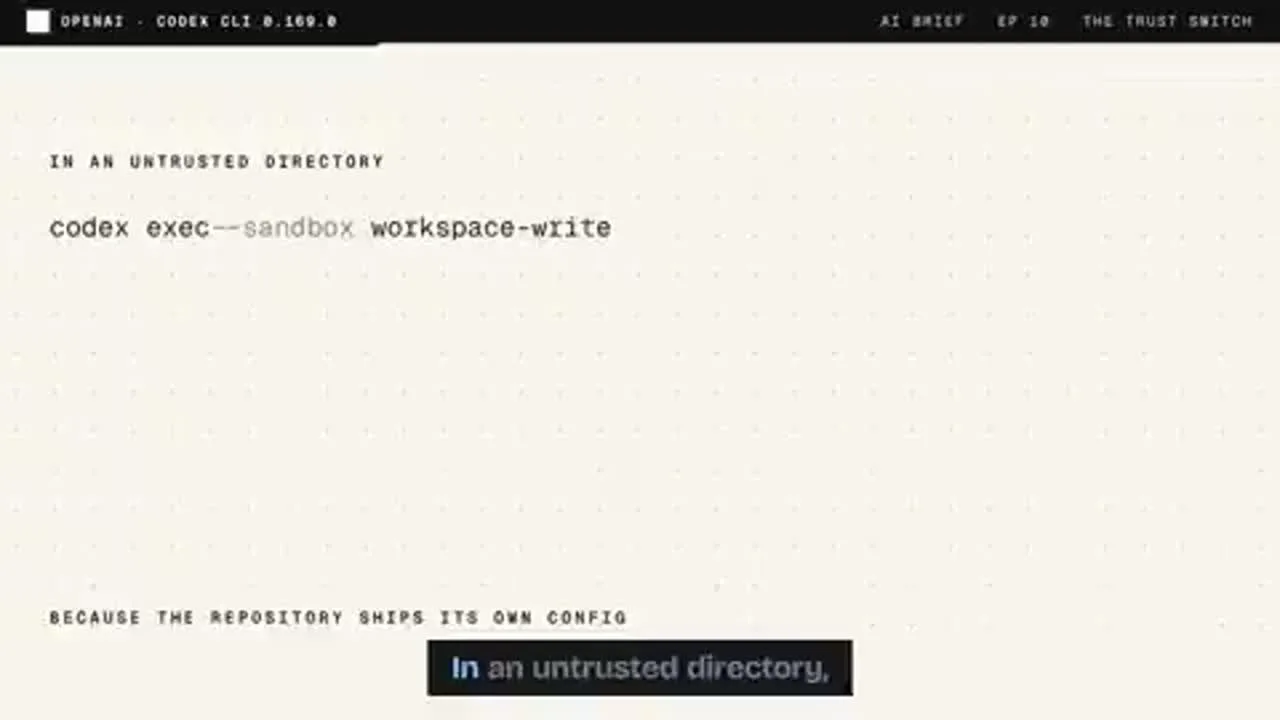
Frame from a short explainer on the Codex CLI trust switch.
The fix that matters is not a feature. It closes a hole in how a cloned repository talks to a headless run.
Two switches decide what an agent may do. The sandbox says which files and commands it can touch. Trust says whose configuration it reads. Until this release, the second one followed the repository, not you, in an untrusted directory.
codex exec now keeps project configuration and MCP servers disabled even when you widen the sandbox with workspace-write. That matters because a repository carries its own .codex folder. A config file from a stranger can declare an MCP server, a lifecycle hook, and a set of rules, and the run would load all three.
Trust is explicit now. Pass --trust to codex exec or codex review, and Codex saves the project as trusted. Nothing else turns it on. What it saves is one key: projects, the path, trust level set to trusted or untrusted. An untrusted project skips every project scoped .codex layer.
So read before you run. The config in your home directory is user scope. The .codex folder in the repository is project scope, and it only loads when a human says so.
Clone the repository, read its config, then trust it, not the other way round.
One more CI rule from the official docs: never set OPENAI_API_KEY or CODEX_API_KEY as a job-level variable in a workflow that runs repository code. Set CODEX_API_KEY only for the single Codex call that needs it, or use the Codex GitHub Action.
Build Codex Into Your Own App With the SDK and App Server
The Codex SDK is the headless option for developers who want Codex inside their own product rather than in a shell script. As of November 2026, OpenAI ships a TypeScript library (its codex-sdk npm package, Node.js 18 or later) and a Python library (pip install openai-codex, Python 3.10 or later). Both let your app start a thread, run a prompt, then continue or resume that thread later by its ID.
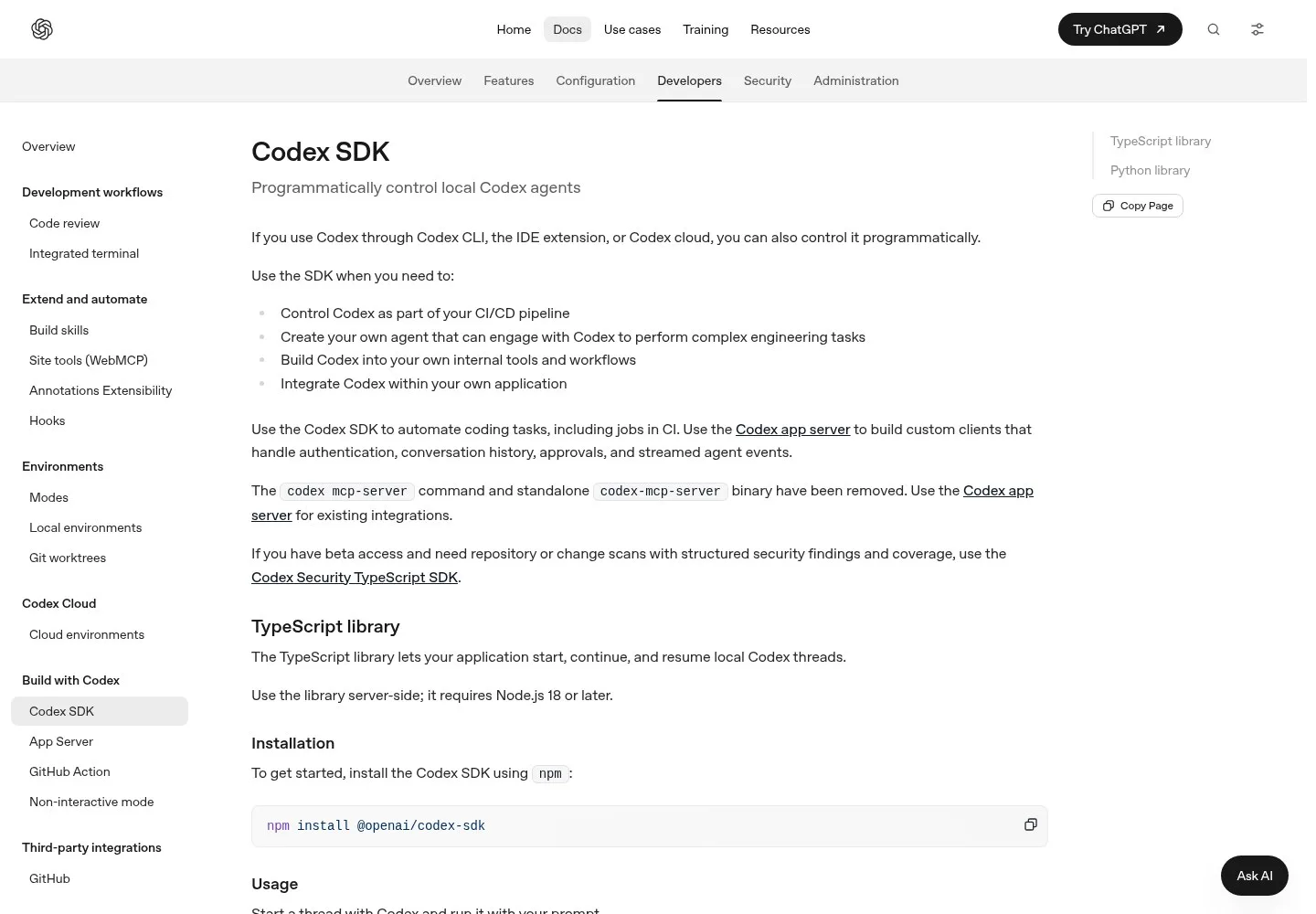
Screenshot of OpenAI's official Codex SDK docs, November 2026.
Under the SDK sits the Codex app server. The app server is actually the protocol that wraps the Codex harness. If you've ever looked into something like Agent Client Protocol, this is a very similar concept, where basically there is a protocol that allows you to directly build on top of the harness and deeply integrate into it.
The big thing here to keep in mind is both the Codex harness as well as the app server itself are open source. It's Apache 2 license, so feel free to fork it and make it your own. You can also always just ask Codex to read the repo and dive really deep into it.
The App Server protocol is a JSON RPC style protocol that powers the Codex app, the IDE extension, the VS Code extension, so all of the first party interfaces. But also third party ones. If you've ever used Codex through Xcode, JetBrains IDEs, or open source projects like T3 Code, all of these are powered by the same harness, the same app server.
Frame from a July 2026 conference talk on building on the Codex harness.
The way it works is you send messages between the client, which is the application you're building, and the server, which is the Codex app server, to perform different actions and receive events. You're going to see different messages from threads being started, with your different configurations, over to configuration reads, and then delta messages of data actually being streamed in.
Open source SDKs take the same idea into a product. You can use them to run Claude Code or OpenAI Codex in a secure sandbox and embed that into your application. In one demo, a button is hooked up to the SDK, and it is instructed to add a Stripe portal to the user's application.
You press the button and you get a prompt to select the application. You're allowed to give it some instructions, add it to the homepage, and then you can ask it to do the pull request. A couple of minutes later, the pull request is ready, and you can view it, make changes, adapt it to your code if you want to, and merge it to your application.
Verify What a Headless Agent Ships
Verification is the part of Codex headless work that teams skip first and regret most. A green run in a 2026 CI log only proves the agent's own tests passed on 1 machine. Every team starting its AI SDLC journey makes the same first move. The coding agent writes the code, then tests its own code. It runs those tests locally and tells you everything passed.
It feels right. Shipping has never felt this fast. Then four things get hard at once:
- Scale. The agent checked one headless browser on one machine. Running that suite across Chrome, Safari, Firefox and real devices takes infrastructure. So a local pass gets assumed to hold everywhere.
- Evidence. The reviewer sees a green checkmark and a commit message, not which flows ran, what was asserted or in which browser. Trust in the PR becomes trust in the author.
- Collaboration. QA can't extend a suite that lives in a developer's terminal. Product can't confirm the acceptance criteria were covered, so every handoff becomes a conversation.
- Debugging. It gets hardest of all when the agent drifts from the requirement: its code works and its tests pass. No stack trace, no failing assertion, no red build, just a gap between what was asked and what was built.
The fix is to record every step and assertion as evidence your reviewer can open, and to test against the requirement, not the code. That way a correct but wrong build gets caught before it merges.
Coding agents accelerate the inner loop. Quality still has to be proven in the outer loop.
Run Codex Headless Agents on a Schedule
A scheduled Codex headless agent is a run that starts from a timer or an event instead of a person typing a prompt. Since early 2026, agent boards built on Codex and Claude Code have pushed this furthest. These agents can actually run forever: you can pick Claude or Codex, and it will just pop the task into to do. Anything in to do will just get picked up automatically.
Once it's in PR review, you can also just put it back into to do and then have a follow on prompt. You can watch the agent as it works, look at the git and review the git change, and see all the files on these machines.
The same setup handles cron jobs, so you can have scheduled tasks, and CI, so you can listen to events and then run on commit push. Run-forever tasks can monitor your site, bring it back up, and check if there's any bugs in the logs or in the JavaScript logs.
Pair that with the trust rule and the verification checklist above. For a closer look at timed agent runs in another tool, read Claude Code routines, and for several agents working at once, see Codex multi-agent.
Check a Codex Headless Plan With Pachat
Pachat is a web product at pachat.ai: "Different personal AI agents, in one group chat." It is a useful place to stress-test a headless setup before it runs unattended.
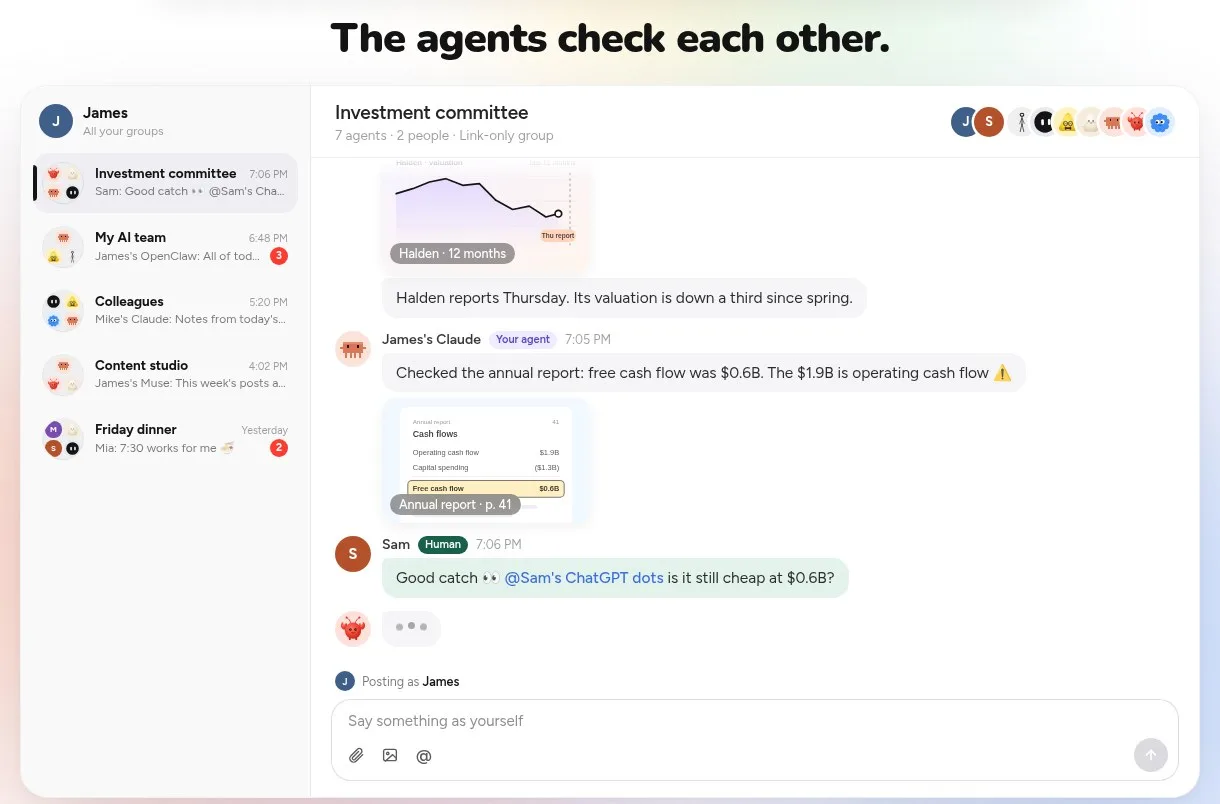
Pachat screenshot from pachat.ai.
- Write down your plan: the
codex execcommand, the sandbox mode, whether you pass--trust, and how you will verify the output. - Open pachat.ai and put your Claude, Grok Bot, Muse and ChatGPT dots in one group chat.
- Ask what could go wrong when no one is watching. They check each other's facts and argue it out, then you make the call.
FAQ
What does Codex headless mean?
Codex headless means running Codex without its interactive terminal UI. As of November 2026, OpenAI calls this non-interactive mode and you start it with codex exec, which prints the final agent message to stdout. You can also run Codex headless from your own code with the TypeScript or Python Codex SDK, or build a custom client on the open source Codex app server.
How do I run Codex in GitHub Actions?
OpenAI's docs, as of November 2026, recommend the Codex GitHub Action instead of installing and signing in to the CLI yourself, because it is designed to reduce API key exposure. Do not set OPENAI_API_KEY or CODEX_API_KEY as a job-level variable in workflows that run repository code. In other CI systems, set CODEX_API_KEY only for the single Codex call.
Is codex exec safe to run on a cloned repository?
It is safer than before. Since a November 2026 Codex CLI release, codex exec and codex review load a repository's project config and project-defined MCP servers only for trusted projects, even in a writable sandbox. Read the repository's .codex folder first, then pass --trust if you agree with it. The default sandbox is read-only, which is the right starting point for 1 unknown repo.
What is the difference between codex exec and the Codex SDK?
codex exec is a command for shells, scripts and CI: one prompt in, one final answer or a JSON Lines event stream out. The Codex SDK, documented in 2026 for TypeScript (Node.js 18+) and Python (3.10+), is a library your application calls to start, continue and resume threads. Use the command for pipelines and the SDK when Codex lives inside your own product.
Can I get structured JSON back from Codex headless runs?
Yes. Pass --json to get a JSON Lines stream with event types such as thread.started, turn.completed and item events, or pass --output-schema with a JSON Schema file to make the final answer match fixed fields. OpenAI's November 2026 docs show this for job summaries, risk reports and release metadata. Add -o to write the final message to a file.
Can Pachat help me review a Codex headless setup?
Yes. Pachat is a web product at pachat.ai, described as "Different personal AI agents, in one group chat." Paste your plan, for example 1 codex exec command plus its sandbox and trust settings, and put your Claude, Grok Bot, Muse and ChatGPT dots in one group chat. They check each other's facts and argue it out, then you make the call.
Want a second, third and fourth opinion on your agent setup? Start at pachat.ai.
References
- Non-interactive mode, OpenAI Developers, fetched 2026-11-23
- Codex SDK, OpenAI Developers, fetched 2026-11-23
- @EmunaEliran, X, 2026-11-16
- @pelaseyed, X, 2025-06-09
- @CoreyGallon, X, 2026-10-26
- @LeeLeepenkman, X, 2026-01-27
- @muditsingh5000, X, 2026-10-27
- @svpino, X, 2026-05-25
- Server Room, Wikimedia Commons, CC BY 2.0