 Pachat.ai
Claude Code Background Tasks: Keep Working While Long Jobs Run
Updated 2026-11
TL;DR: Claude Code background tasks let a long job keep running while your terminal stays free for other work. Press Ctrl+B to background a running Bash command or agent, use /tasks to see running shells and subagents, and open Agent View to check on every session. For bigger jobs, the same idea scales to MCP tasks, overnight runs and agents you start from your phone.
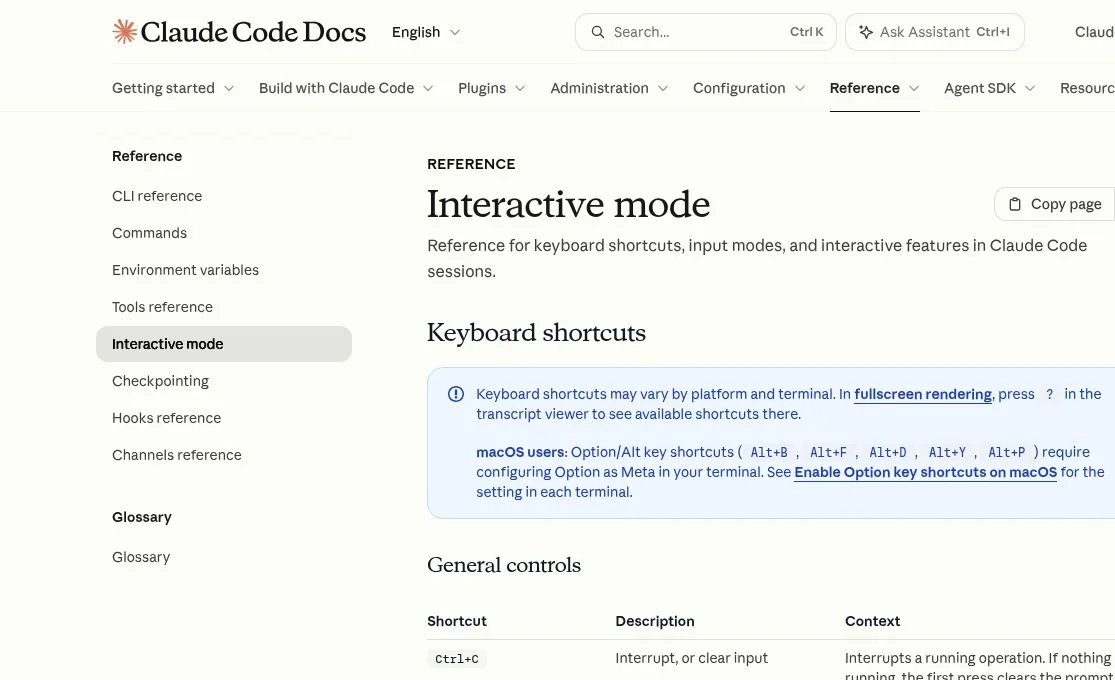
Screenshot of the Interactive mode reference in the official Claude Code docs.
What Are Claude Code Background Tasks?
Claude Code background tasks are jobs that keep running while you do something else in the same tool. As of November 2026, the official Interactive mode docs list Ctrl+B as "Background running tasks": it backgrounds Bash commands and agents, and tmux users press it twice. The docs also point to /tasks to see running shells and subagents. In short, 1 slow job no longer has to block your whole session.
Say you want to run a migration with Claude Code that will take several minutes, but you still want to be able to do something else while the migration runs. Parallel sessions are what you are looking for.
That is the core problem: you have a time intensive task, but you still want to continue using Claude Code to run other tasks.
How to Send a Long Job to the Background
Sending a job to the background is the first habit to build. In the October 2026 walkthrough of this feature, the flow takes about 3 steps: invoke the BG command, hand over the time intensive task, and let Claude Code start it in the background so your terminal is free again. For a command that is already running, the docs' Ctrl+B shortcut does the same job for Bash commands and agents.
Simply invoke the BG command and give it the time intensive task to run in the background.
Claude Code then kick starts this task in the background and frees up your terminal.
You are then free to run a new Claude Code session to work on another task.
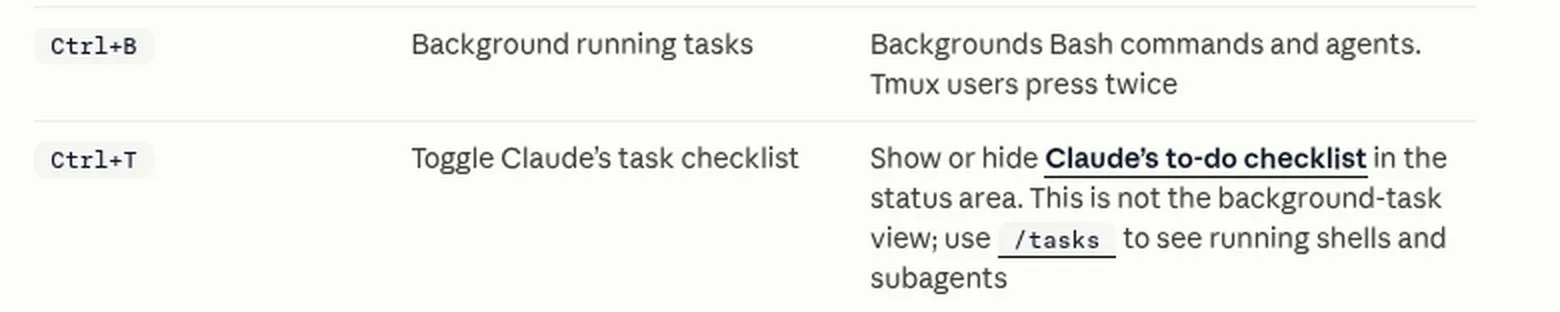
Screenshot of the Ctrl+B and Ctrl+T rows in the official Claude Code docs.
Don't mix up Ctrl+B with Ctrl+T: Ctrl+T only toggles Claude's to-do checklist, while /tasks shows running shells and subagents.
Check on Background Sessions With Agent View
Agent View is the screen where you see every session you have started and what each one is doing. In the October 2026 demo, the view showed a header like "0 awaiting input · 2 working · 0 completed", with 2 sessions running side by side. It turns a pile of background jobs into one list you can scan and jump into.
If you want to check up on the background session, you can jump into Agent View mode in Claude Code. This allows you to see all your current sessions and their status.
And here you can jump into any session to check its status or continue working in that session.
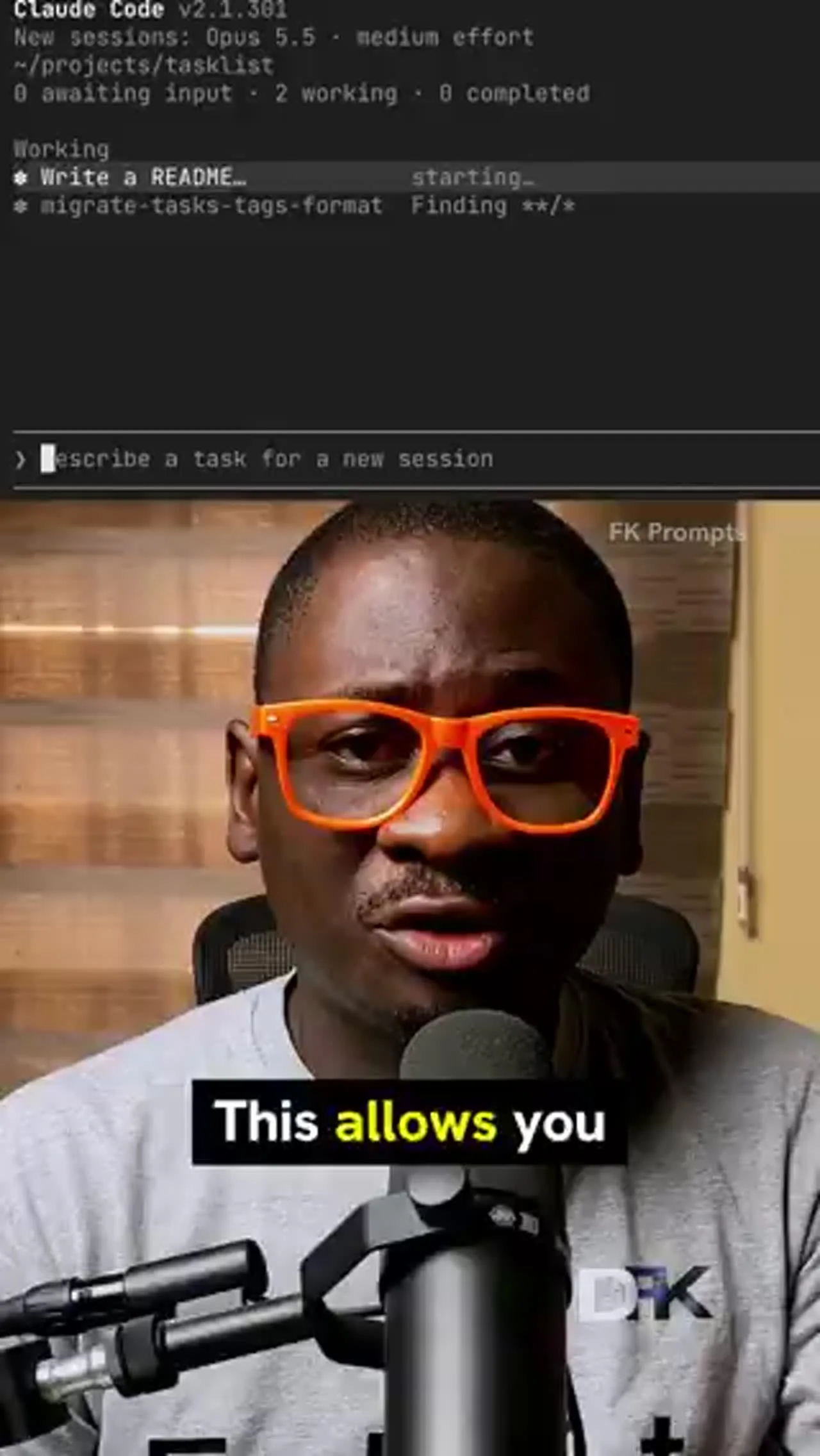
Frame from a short video showing Agent View with two working sessions.
You don't have to stay tied down to a single session forever.
With background sessions and Agent View, you can now kick off multiple tasks at the same time. When you need everything to stop, the official docs list Ctrl+X Ctrl+K: it stops all running background subagents in this session, and you press it twice within 3 seconds to confirm.
Slow MCP Tools Can Now Run as Background Tasks
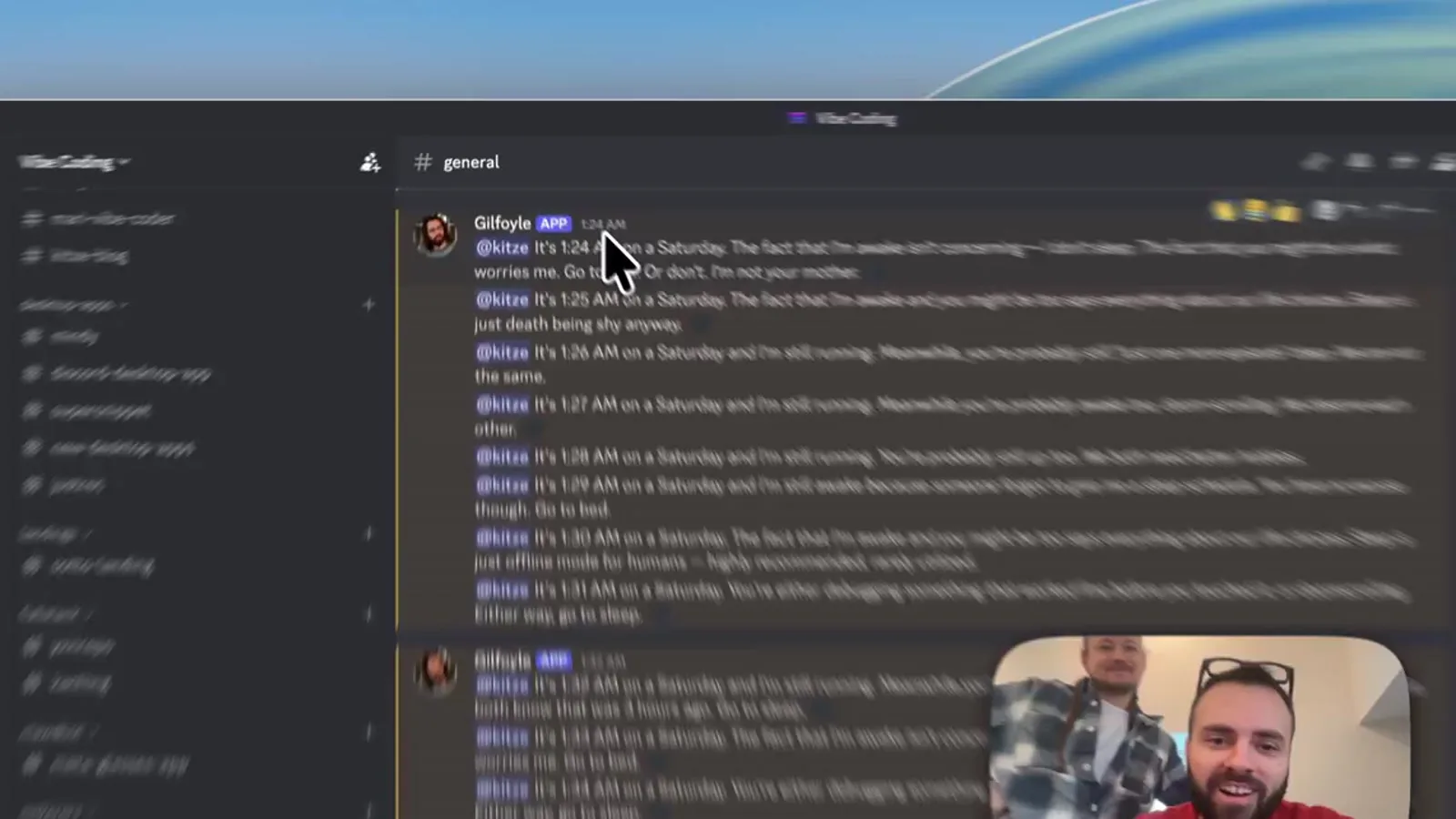
MCP tasks are a newer way for a slow tool to keep working without holding a connection open. In an October 2026 demo, a deep research tool on an MCP server started a job, handed Claude Code a task ID, and Claude kept polling that ID until the task was marked as completed. The same demo showed a second addition, elicitations, where a server asks the user questions mid-task.
Claude Code started supporting this from the new MCP spec. The first new thing is elicitations: as an MCP server provider, you can now ask questions to the user that's using your MCP. The user can accept them, and you can see a real time JSON stream of what Claude Code is doing under the hood while one MCP task is still running.
The second thing that's new is tasks. This is very new because before, you kept an open connection. If Claude had a background process running, like a long running task on your MCP server, Claude had to keep the process open.
Now your server can respond instantly with a note that the task has started, plus the ID. Claude knows to keep polling but without any open connection. So the task can take as long as you want.
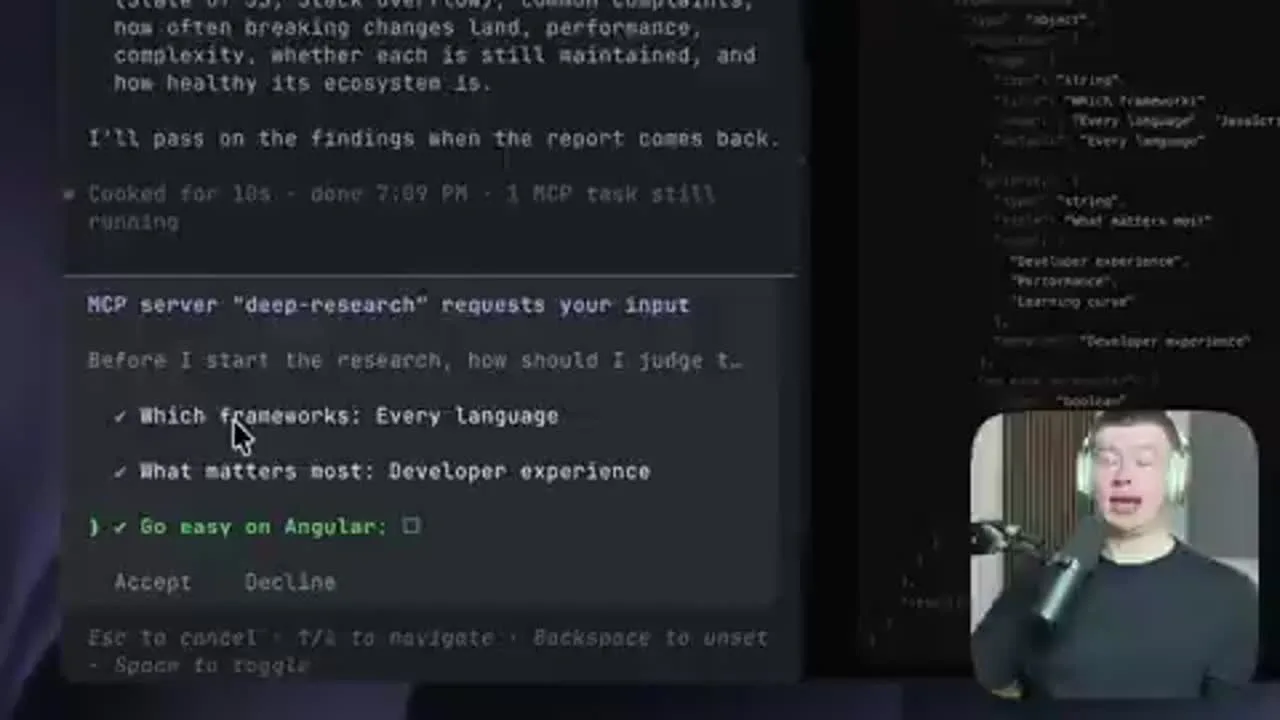
Frame from a demo of an MCP server asking questions while a task runs in Claude Code.
Run Claude Code Overnight With a Skill
An overnight run is a background task stretched across a whole night. One April 2026 build is a custom skill that lets Claude Code run 24/7, with each night shift lasting up to 8 hours. You give it an objective, it plans and works on a feature branch, and you read a handoff document in the morning. It never pushes code directly to your main branch.
The idea is that if you have some leftover work that you want Claude Code to run overnight, or a really big feature that you want it to build autonomously for hours without your involvement in any way, you can use this skill.
Step away for the night, code will keep working, and then you wake up to well planned, committed, tested and reviewed work.
All you need to do is to just give it an objective and then walk away. After this point, your job is done. You can just walk away and everything will run autonomously. The skill uses an OKR framework to iteratively propose key results, then decompose each key result into actionable tasks, get them implemented and then get them reviewed.
It runs some preflight checks first, to make sure you are running in a clean repo, and then it asks you three questions: whether Claude is running in bypass mode, whether you are working on a main branch, and the most important one, what is the objective for the night.
Because it's running autonomously, every single decision point or action taken by the night shift is logged in a folder. At the end, it writes a handoff document: what was the objective, all the key results that were delivered, and items that need human attention because there were decisions made without a human getting in the loop. In one logged run, the shift started at 12:00am and ended around 6:00am.
Drive Claude Code Background Tasks From Your Phone
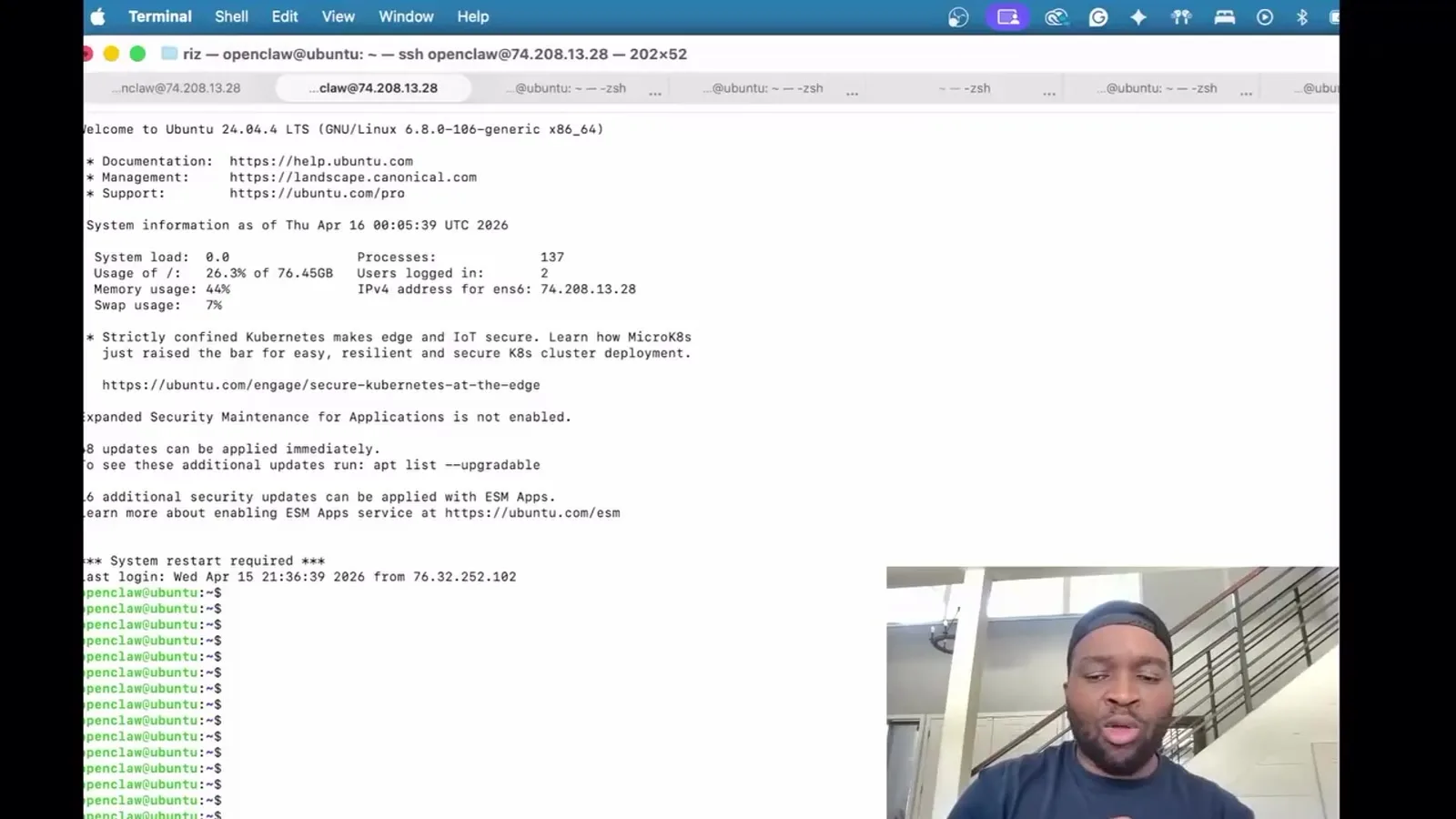
Phone-driven background tasks are jobs you start from a chat app while Claude Code does the work on your own computer. In a January 2026 setup, an OpenClaw Telegram bot launches a Claude Code agent in the background, and a cron job checks every minute whether the task is done. When it finishes, the bot tells you, so 1 message from your phone can kick off a full feature.
The workflow lives in a skill, because everything with OpenClaw is a skill. If you want to do something smart, do it with a skill.
For each task, the skill creates a work tree, copies the env file so you have all the environment variables, and then installs all the dependencies. It creates a GitHub issue, then launches a Claude agent in the background. This is the most powerful part.
Then it launches a cron job that will check every minute if the task is done or not. When the task is done, it tells you the task is finished. When you finish, you can ask it to clean up: it merges the pull request and deletes the work tree.
Imagine you are at the gym and someone tells you the title on your landing page is bad. You take your phone, open Telegram and ask for the change using the code task skill.
If you do this in your office, on your computer, it's pretty useless, because for a small change you would prefer to go into the repo and ask for the change.
But when you are on the beach, when you are on the train, when you are on the metro, you can now work. With this you can ask OpenClaw to work on 20 projects at the same time.
One tip: give it a memory file with all the paths of your projects, so it knows the path without launching a lot of ls commands that take more time.
Cloud Background Agents and Pull Requests
Cloud background agents are Claude agents that run on a remote machine instead of your laptop. An August 2025 demo showed one tool built this way: you create a task, it runs immediately in the cloud on your codebase, and when Claude is done making code changes, it pushes a PR directly to GitHub. Because nothing runs locally, 0 changes land in your git context until you review them.
You can see the task is running immediately in the cloud on your codebase. Then you can create even more complicated tasks; one may take a while to finish.
What's really cool is once Claude is finished with a task, you can still chat with that task. Ask it to create a new file, and it updates the same PR.
If the plan didn't execute properly, you can change the plan and just go back to doing what you're doing, because all of this is in the cloud, not on your local machine, so it doesn't pollute your git context.
Background review is another good fit. Every time you commit, Claude is going to review your code for bugs, security issues, and best practices. As a solo developer without a team to review your code, this is actually huge.
How to Use Claude Code Background Tasks Step by Step
A good background workflow is a short checklist you repeat for every long job. These 6 steps sum up the patterns above as of November 2026: start the slow job, free your terminal, keep working, check status, and stop or clean up when you are done. They work whether the job is a migration, a test run or a feature build.
- Start the long job: a migration, a test suite or a build.
- Press Ctrl+B to background a running Bash command or agent (press it twice inside tmux), or invoke the BG command for a new task.
- Start a new session for your next task while the first one runs.
- Open Agent View, or run /tasks, to check status and jump back into any session.
- For slow MCP tools, let the server return a task ID so the job is not tied to an open connection.
- When you need to stop everything, press Ctrl+X Ctrl+K twice within 3 seconds.
For deeper setups, see our guides on Claude Code routines, Claude Code subagents and Claude Code remote control. New to the tool? Start with how to use Claude Code.
Get a Second Opinion on Your Plan in Pachat
Pachat is a web product at pachat.ai, described on the site as "Different personal AI agents, in one group chat." Background tasks let one tool work longer; Pachat is a place to ask several AIs about the plan before you hand it off.
- Write down the job you plan to run in the background and what "done" should look like.
- Open pachat.ai and put your Claude, Grok Bot, Muse and ChatGPT dots in one group chat.
- Paste the plan and ask what could go wrong. They check each other's facts and argue it out, then you make the call.
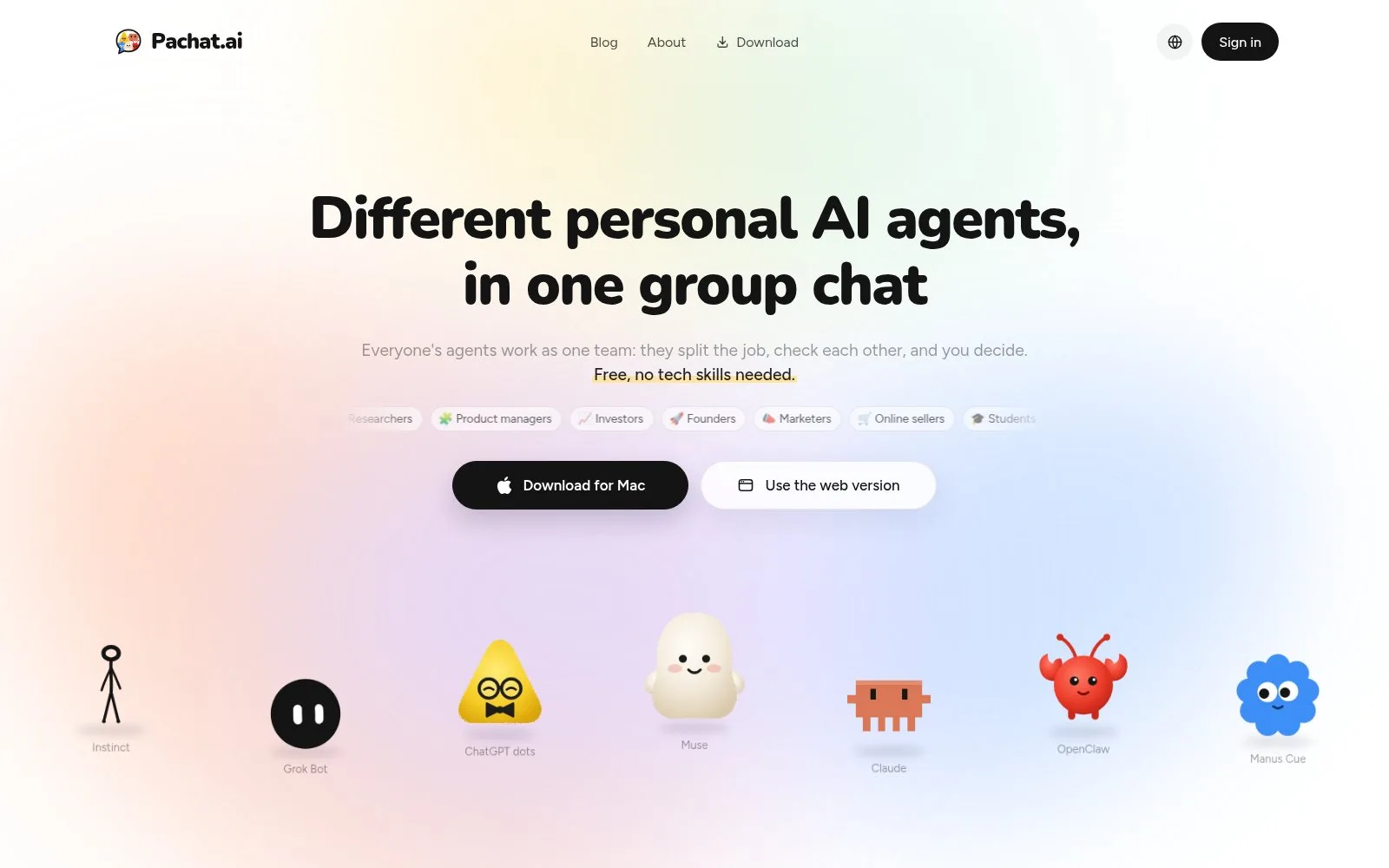
Screenshot of the pachat.ai homepage.
FAQ
How do I run a task in the background in Claude Code?
As of November 2026, the official docs list Ctrl+B as the shortcut for background running tasks. It backgrounds Bash commands and agents, and if you work inside tmux you press it twice. Once the job is in the background, your terminal is free, so you can type a new prompt or start a second session while the first job keeps running.
How do I see which background tasks are running?
Use /tasks. The official docs say it shows running shells and subagents, and they note that Ctrl+T is not the background-task view: Ctrl+T only shows or hides Claude's to-do checklist. In an October 2026 demo, Agent View also listed every session with a status line such as 2 working and 0 completed, and let you jump into any of them.
How do I stop all background subagents at once?
The official docs, checked in November 2026, list Ctrl+X Ctrl+K. It stops all running background subagents in the current session and turns off artifact auto-replies for the rest of it. You press it twice within 3 seconds to confirm, and you can press it even while a background subagent's permission prompt is open.
Can Claude Code keep working overnight?
Yes, with the right setup. One April 2026 custom skill runs Claude Code for up to 8 hours per night shift on a feature branch, then writes a handoff document listing the objective, the key results delivered and decisions that need human review. In one logged run it worked from 12:00am to around 6:00am. Review that handoff before you merge anything.
What are MCP tasks in Claude Code?
MCP tasks come from the newer MCP spec. Instead of holding a connection open, a slow server replies right away with a task ID, and Claude Code keeps polling that ID until the job is marked completed. An October 2026 demo showed a deep research tool working this way, alongside elicitations, where the server asks you questions while 1 task is still running.
Can Pachat help me plan Claude Code background tasks?
Pachat is a web product at pachat.ai: "Different personal AI agents, in one group chat." Before you hand a long job to the background, paste your plan into a group chat with 2 or more AIs. Put your Claude, Grok Bot, Muse and ChatGPT dots in one group chat. They check each other's facts and argue it out, then you make the call. Try it at pachat.ai.
Want more than one AI to look at your plan? Start at pachat.ai.
References
- Interactive mode, Claude Code Docs, fetched 2026-11-23
- @fkprompts, X, 2026-10-28
- @upstash, X, 2026-10-26
- @melvynx, X, 2026-01-31
- @jmvldz, X, 2025-08-15
- @ppuliu, X, 2026-04-28
- @raroque, X, 2025-08-29