 Pachat.ai

Claude Code Subagents: When to Use Them and How to Set Them Up
Updated 2026-11
TL;DR: Claude Code subagents are specialist AIs that take a task off the main session. Each one has its own context, instructions and tools, and returns only a summary. They shine when you want to run independent work in parallel; avoid passing a design plan from one subagent to the next like a bucket brigade.
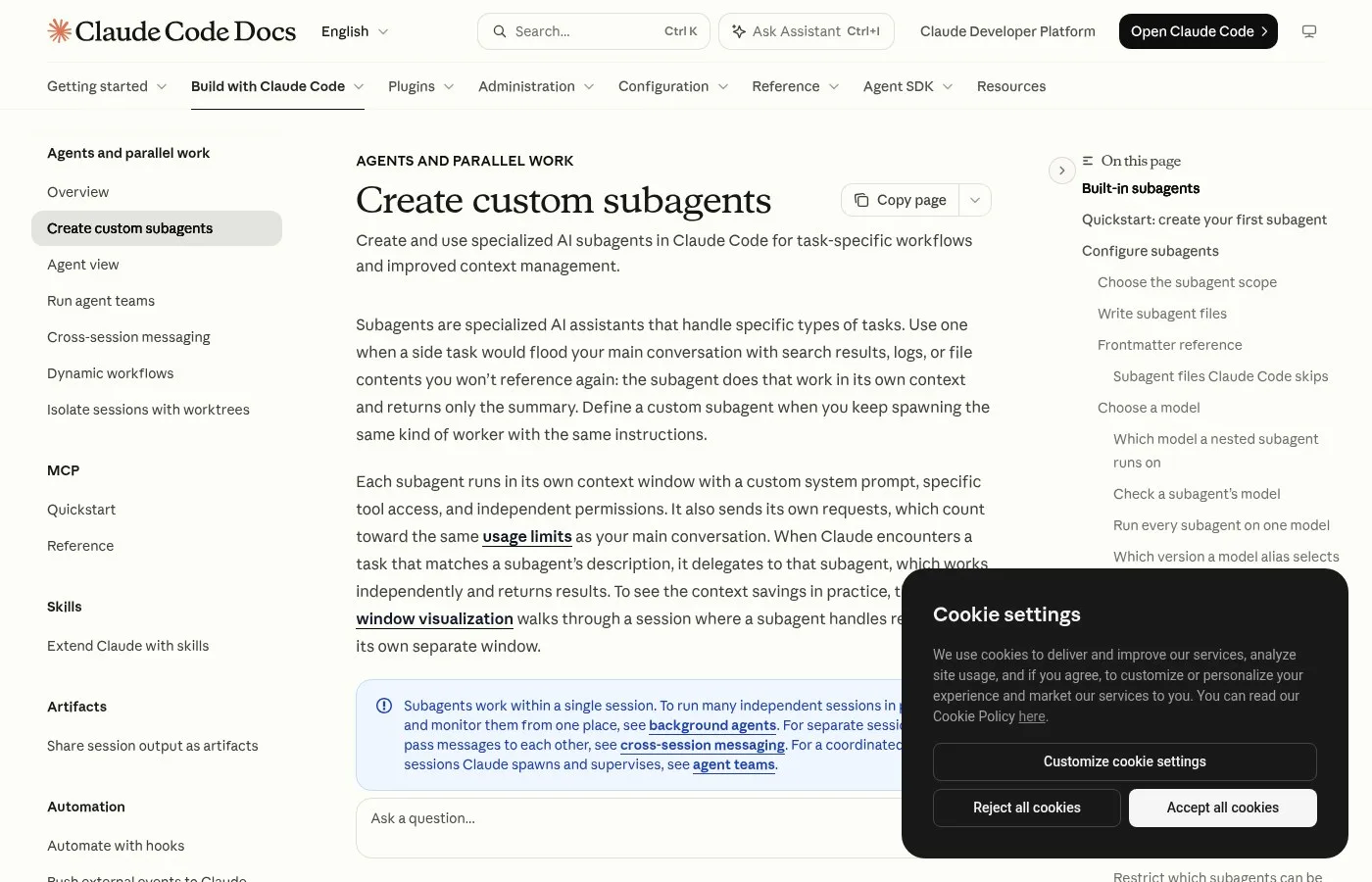
Screenshot of the subagents page in the official Claude Code docs.
What Are Claude Code Subagents?
Claude Code subagents are AIs that act as specialists for one kind of task. As of November 2026, the official docs say each one runs in its own context window with a custom system prompt and specific tool access. They keep your main conversation clean and return only a summary when they finish, so 1 long chat no longer has to hold everything.
Keep adding features to your AI, and the prompt can get so huge it starts acting unstable. What's causing that?
It's because you're cramming design, development and testing all into one AI. Even a person can't do all of that perfectly alone. What matters is dividing roles with the idea of subagents.
So it's like building a team of experts, each focused on a specific task.
Accuracy and maintainability go up dramatically.
Each AI can focus on its own job, so plausible-sounding hallucinations go down too. It's really just breaking the work into smaller pieces.
3 Cases Where Subagents Help
The cases where subagents help are jobs that tend to confuse a single agent. A November 2026 explainer named two big ones: when you want to run independent work in parallel, and when there are too many MCP tools, skills or instructions for one agent to choose between. Work where each step depends on the last is a poor fit.
The third case is when a single agent has trouble resolving conflicts in tool choice or instructions.
When there are a lot of MCP tools, subagents or skills to choose from, a single agent can struggle to pick and call the right one. Then you split the responsibilities and hand that work to a subagent.
Either way, the main one is the second: use them when you want to move independent work forward in parallel.
One caution: even for independent work like drawing up a design plan, you should avoid using subagents like a bucket brigade, passing the work from one to the next.
How to Create a Subagent
Creating a subagent means writing one Markdown file. As of November 2026, the official docs put YAML settings at the top (name, description, tools, model) and the system prompt below, saved in .claude/agents/ for one project or ~/.claude/agents/ for all projects. You can also just ask Claude to write it for you, then edit the result to fit your project.
If you give each agent a clear role and a clear definition of done, even complex projects can be finished smoothly.
What matters more than technical skill is how concretely you can put your human workflow into words.
Start by making your work visible and deciding which parts to hand to subagents. Build small wins, and start with a simple 2 agent setup.
Run Subagents in Parallel
The orchestrator-worker pattern is a way of working where the main agent plans and hands pieces of the job to several subagents that run in parallel. A November 2026 explainer described it as a way to cut working time while widening what gets covered. You can start them just by asking in plain language, with no special syntax or setup file needed.
From there you fan out subagents and launch them in parallel, and have them work in parallel from different angles.
That shortens the work while widening its scope. And it keeps the main agent focused on design and the upstream parts of the job, not the hands-on work.
Just type your request to the subagents straight into the input box, in your own words.
If you say "do these 30 tasks with 30 subagents," it will. The agent you talk to is the parent agent. Subagents are like children it spawns and puts to work.
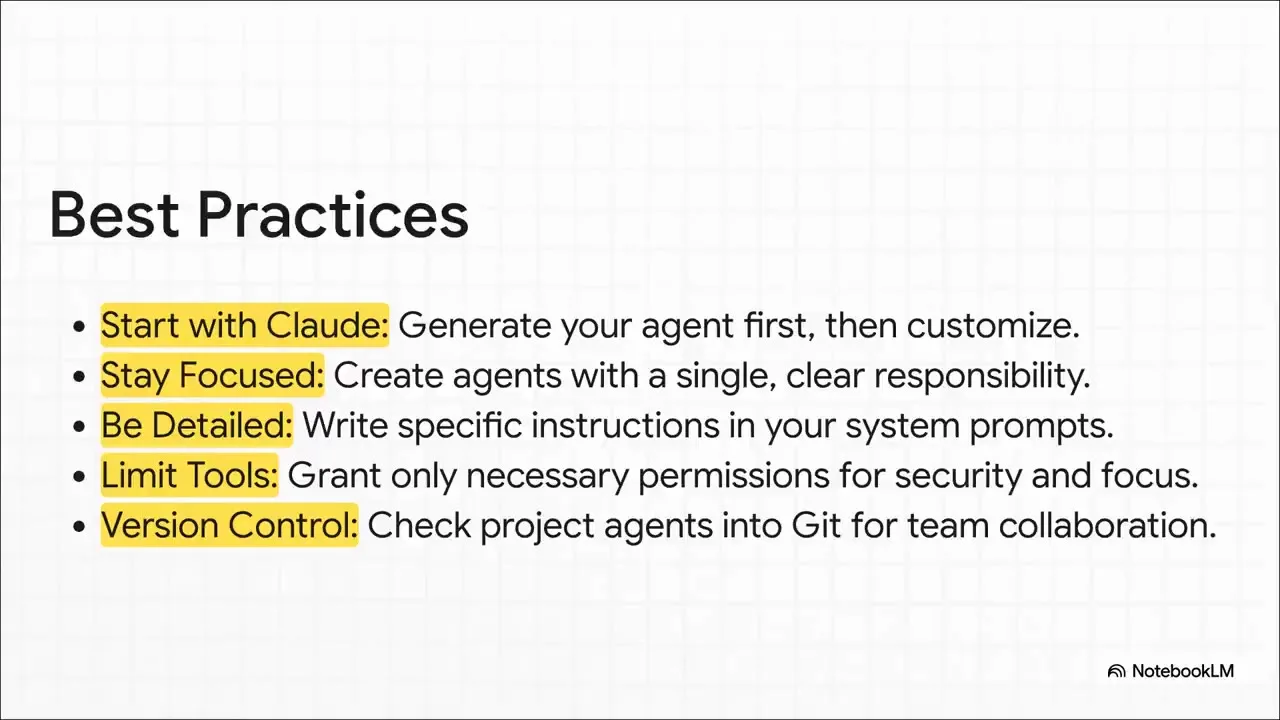
A frame from a video explaining how to hand work to a dedicated subagent.
Subagents vs the Advisor
The advisor is a feature that lets Claude consult a stronger model at key moments during a task. As of November 2026, the official docs list it as experimental and set it with the /advisor command. People often confuse it with subagents, but what it sees and what it does are different, as the creator below explains in a short clip.
The advisor reads the whole conversation. But it doesn't touch anything. All it returns is advice.
There are 3 moments when it tends to be consulted: before deciding on an approach, when the same error keeps coming back, and before saying it's done. Claude decides when to ask.
The advisor sees the whole conversation; a subagent sees only the request.
The other difference is what they do. The advisor only talks. A subagent takes the whole job. The longer the task, the more an advisor that remembers the conversation helps. Research goes to subagents; tricky decisions go to the advisor.
Add Another View With Pachat
Pachat is a web product at pachat.ai, described on the site as "Different personal AI agents, in one group chat." Subagents split work inside one tool; Pachat is a place to ask different AIs the same question.
- Write down your subagent design or your plan for splitting the work.
- Open pachat.ai and put your Claude, Grok Bot, Muse and ChatGPT dots in one group chat.
- Paste the plan and ask whether the split makes sense. They check each other's facts and argue it out, then you make the call.
Read more in how to use Claude Code, Claude Code agent teams and Claude Code remote control.
FAQ
What is the difference between subagents and agent teams?
Subagents work inside a single session and return only a summary to the main conversation when they finish. As of November 2026, the official docs point you to agent teams when you need several sessions that talk to each other and coordinate, and to background agents when you need independent sessions running in parallel.
Where are Claude Code subagents saved?
They are Markdown files. Put them in .claude/agents/ for the current project or in ~/.claude/agents/ for all your projects. As of November 2026, Claude Code watches these folders, so edits apply within a few seconds without a restart. For a team, check the project folder into version control so everyone gets the same subagents.
Does the /agents command still work?
As of November 2026, the docs say /agents opens an interactive setup screen on v2.1.197 and earlier, while newer versions print a reminder to ask Claude or edit .claude/agents/ directly. The easiest path is to ask Claude something like "create a read-only code reviewer subagent" and let it write the file for you.
Can I limit which tools a subagent can use?
Yes. List only the allowed tools in the YAML tools field, for example Read, Grep and Glob, and you get a read-only subagent. The official docs also describe 3 built-in subagents: Explore for fast read-only searches, Plan for planning, and General-purpose for multi-step work. In 2026 Explore is the read-only one.
How many subagents can run at once?
If you split the job into independent tasks, several can run in parallel. An October 2026 video showed asking for "these 30 tasks with 30 subagents" in plain language. Keep parallel work independent, though, and avoid bucket brigade chains where each subagent waits on the result of the one before it.
Can Pachat help me design subagents?
Yes. Pachat is a web product at pachat.ai where you put your Claude, Grok Bot, Muse and ChatGPT dots in one group chat. Paste your plan for splitting roles between subagents and ask 3 or more AIs to spot gaps or overlaps. They check each other's facts and argue it out, then you make the call.
Ready to put different AIs in one group chat? Start at pachat.ai.
References
- Claude Code Docs, "Create custom subagents," fetched 2026-11-18: https://code.claude.com/docs/en/sub-agents
- Claude Code Docs, "Escalate hard decisions with the advisor tool," fetched 2026-11-18: https://code.claude.com/docs/en/advisor
- @kee11nig, 2025-07-30: https://x.com/kee11nig/status/1950352602660520410
- @akalink_soma, 2026-04-27: https://x.com/akalink_soma/status/2048561651532837346
- @papaneco_life, 2026-10-01: https://x.com/papaneco_life/status/2105642379437060530
- @starriver0513, 2026-10-29: https://x.com/starriver0513/status/2115763904882032831
- @msyn_ai, 2026-11-07: https://x.com/msyn_ai/status/2119091969737855382
- @msyn_ai, 2026-11-12: https://x.com/msyn_ai/status/2120762814990340136