 Pachat.ai
How to Use DeepSeek: Chat, API, Local and Agents
Updated 2026-11
TL;DR: The easiest way to start is the DeepSeek web app: go to the DeepSeek website, sign in, start chatting. Developers get an API key and point any OpenAI-compatible SDK at https://api.deepseek.com, while people who want full control download the model and run it on their own hardware. From there you can plug DeepSeek into the coding agents, spreadsheets and agent platforms you already use.
DeepSeek is no longer just a chatbot you open in a tab. In 2026 it is a model you can talk to, call from code, run on your own machine, or drop behind another tool. This guide walks through each door in, with the exact steps people actually use.
How to use DeepSeek: the three main doors
How to use DeepSeek is a choice between three main doors, and you only need one of them to start. There are three ways to use this: you can use the DeepSeek web app, you can use the API, or you can download the model from Hugging Face and run it yourself. The web app is easiest. Go to the DeepSeek website, sign in, start chatting. The API is for developers: you write code that talks to DeepSeek servers. Hugging Face is for people who want full control: you download the model and run it on your own hardware. As of November 2026, all three still work.
A fourth door has opened since 2025: using DeepSeek as the brain behind tools you already know. The official docs now say that if you use tools like Claude Code, GitHub Copilot, or OpenCode, you can use DeepSeek as the backend model directly, with no code required.
| Door | Best for | What you need |
|---|---|---|
| Web app | Everyday questions, long documents | A DeepSeek account |
| API | Apps, scripts, spreadsheets | An API key |
| Local (Ollama / Hugging Face) | Privacy, offline work, full control | A decent GPU |
| Inside other tools | Coding agents, agent platforms | An API key plus the tool |
If the idea of an agent is still fuzzy, start with what an AI agent is.
Use the DeepSeek web app for long documents
The web app is the fastest way to get real work out of DeepSeek, especially with long text. A good first test is a long meeting transcript of 6,000 words: ask DeepSeek to summarize it and create an action list with names and deadlines. Paste the transcript and hit enter. It processes the whole thing in seconds, gives a clean summary, then lists every action item, who's responsible and when it's due. This would take a human an hour; it took the AI 10 seconds when an SEO agency CEO tested a 6,000-word meeting transcript in the DeepSeek web app in October 2025.
The same pattern covers most everyday use cases:
- Long document analysis. You can throw in 50 page reports and get summaries.
- Multi turn conversations, chatbots that remember everything.
- Agent systems, AI that can do multiple tasks in sequence.
- Code generation: give it a long code base and ask it to add features.
One trade-off matters. If you need perfect accuracy for something critical like medical or legal work, test it carefully. If you're doing normal stuff like chatbots or summaries, you're fine. A second model checking the answer helps here, which is the idea behind a multi-AI chat.
Make your first DeepSeek API call
The API is the door to use when you want DeepSeek inside your own scripts and apps. The DeepSeek API uses an API format compatible with OpenAI/Anthropic, so by modifying the configuration you can use the OpenAI/Anthropic SDK or software compatible with the OpenAI/Anthropic API to access it. If you're new to DeepSeek, you need to sign up, get an API key, then you can start making requests. If you're already using DeepSeek, it's easy to switch: you just change the model name in your API calls. As of November 2026 the docs list 2 model names.
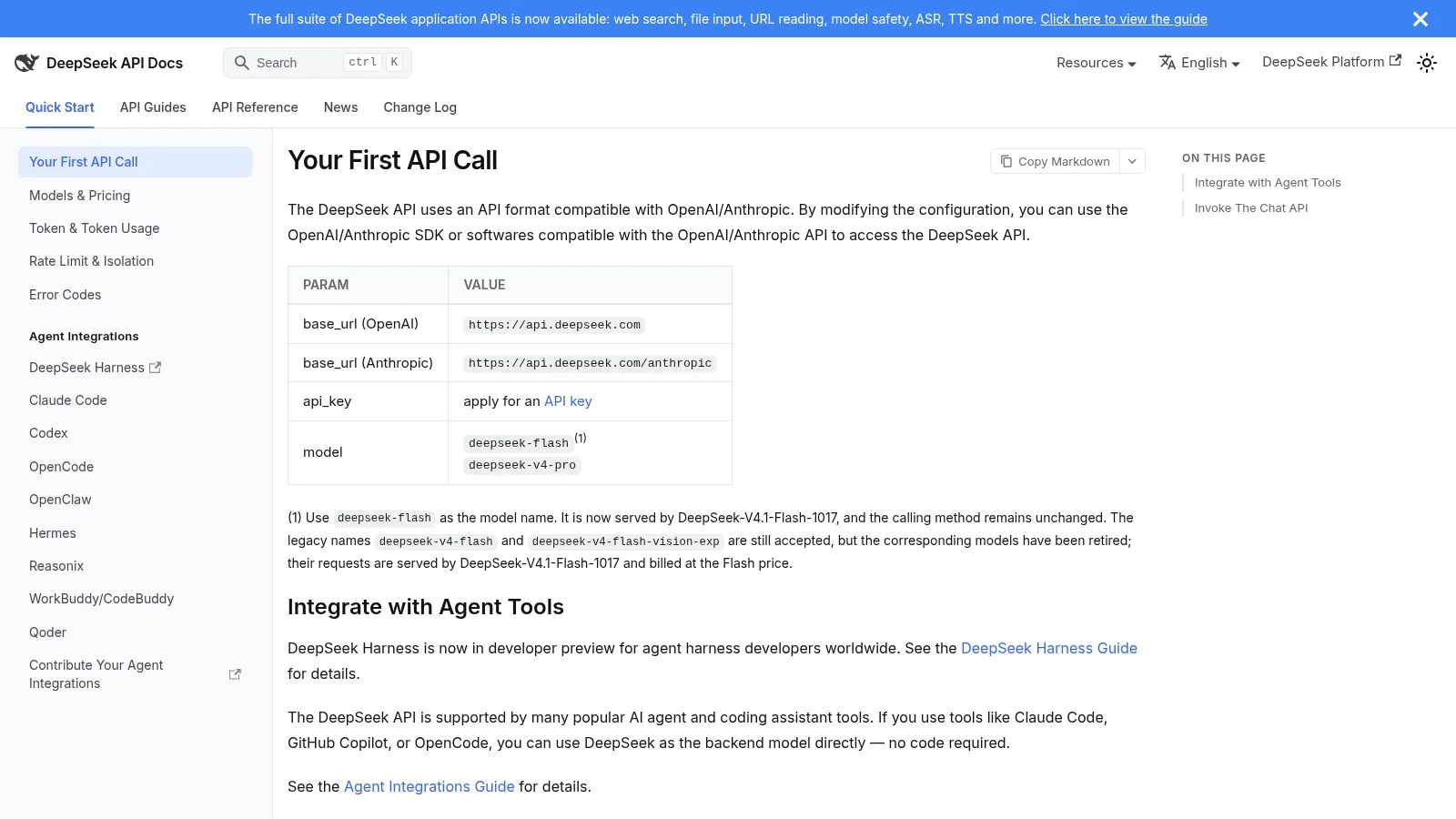
Screenshot: the "Your First API Call" page in the DeepSeek API docs, November 2026.
The values to plug in, straight from the docs:
| Setting | Value |
|---|---|
| base_url (OpenAI format) | https://api.deepseek.com |
| base_url (Anthropic format) | https://api.deepseek.com/anthropic |
| api_key | apply for an API key |
| model | deepseek-flash or deepseek-v4-pro |
Before running any example, set the DEEPSEEK_API_KEY environment variable in your terminal to your API key. A minimal Python call looks like this:
import os from openai import OpenAI client = OpenAI(api_key=os.environ.get("DEEPSEEK_API_KEY"), base_url="https://api.deepseek.com") response = client.chat.completions.create( model="deepseek-flash", messages=[{"role": "user", "content": "Hello"}], ) print(response.choices[0].message.content)
Set the stream parameter to true if you want a streamed response.
Run DeepSeek locally with Ollama
Running DeepSeek locally is the answer when the web app keeps saying the server is busy. You have probably used DeepSeek in daily life, but more often than not you will run into a situation saying "server busy," and it is very frustrating. So people came up with the idea to install DeepSeek locally into the PC. Ollama's library lists DeepSeek-R1 in 7 sizes, from 1.5b up to 671b, as of November 2026. The full version of DeepSeek R1 is 671 billion parameters, and of course you won't be able to run it locally on a normal PC.
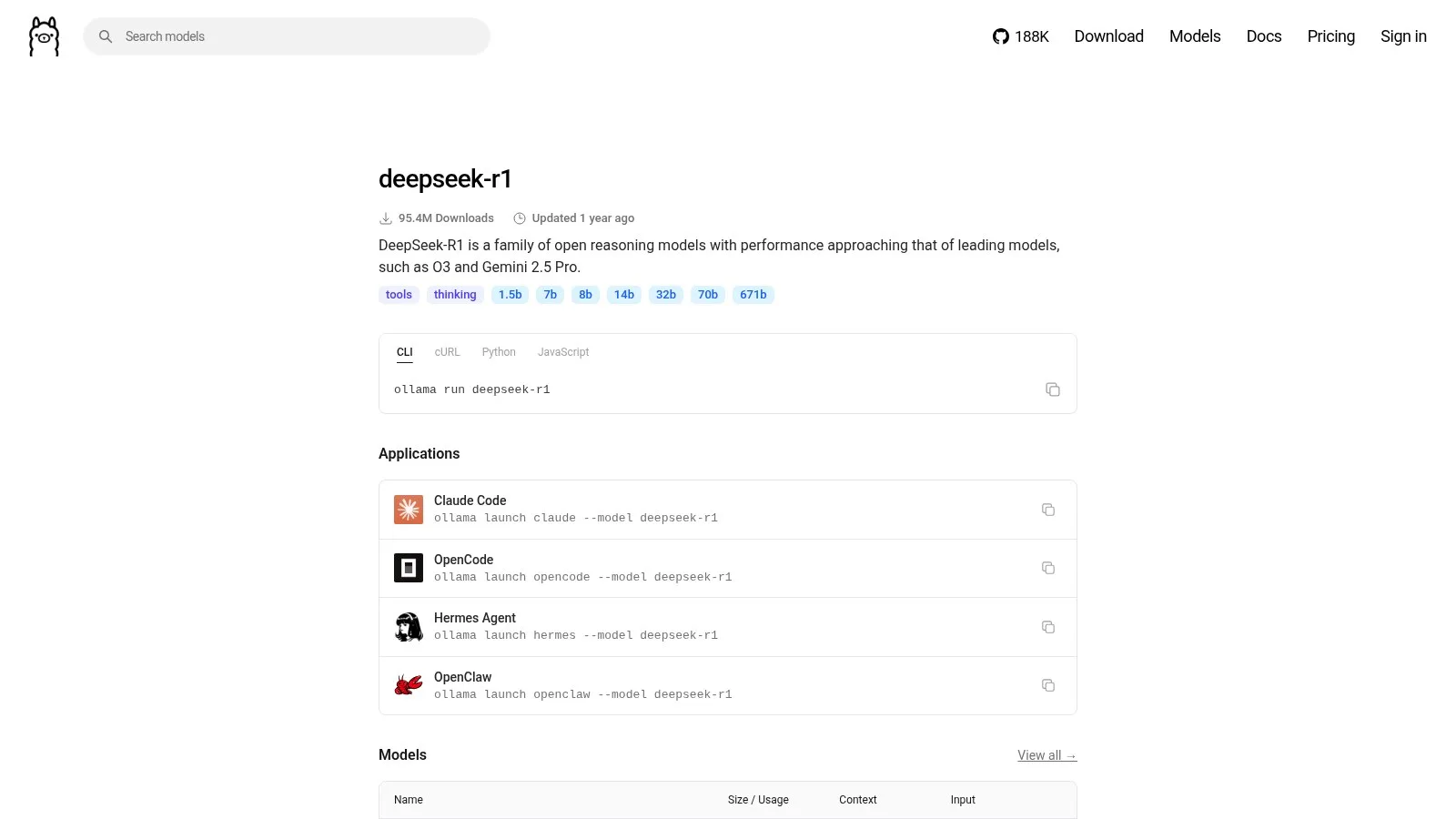
Screenshot: the deepseek-r1 page in the Ollama library, November 2026.
The guide comes down to three steps:
- Go to ollama.com, download the client there and follow the instructions to install it on your PC.
- Also at ollama.com, choose the models and pick DeepSeek R1. Under the R1 selection you will have different parameters: 70 billion, 32 billion, 14 billion, 8 billion, 7 billion and 1.5 billion. In a February 2025 walkthrough on a Windows PC, a presenter found that 70 and 32 billion both failed, and the 14 billion worked.
- Open the command window on your PC, copy and paste the command (
ollama run deepseek-r1), and when everything is done you can start using DeepSeek R1 on your PC.
If you are not happy with the command-line mode, download Chatbox for a better user experience, key in the API, and it will start to run.
For newer releases, go to Hugging Face and search for the model; you'll see the model card with instructions. You need a decent GPU. If you don't have one, you can rent one from a cloud service. Hosted inference platforms are the other route: you don't have to worry about deploying models on AWS or creating some cloud computing environment somewhere, and they also have a playground where you can come and check the models out.
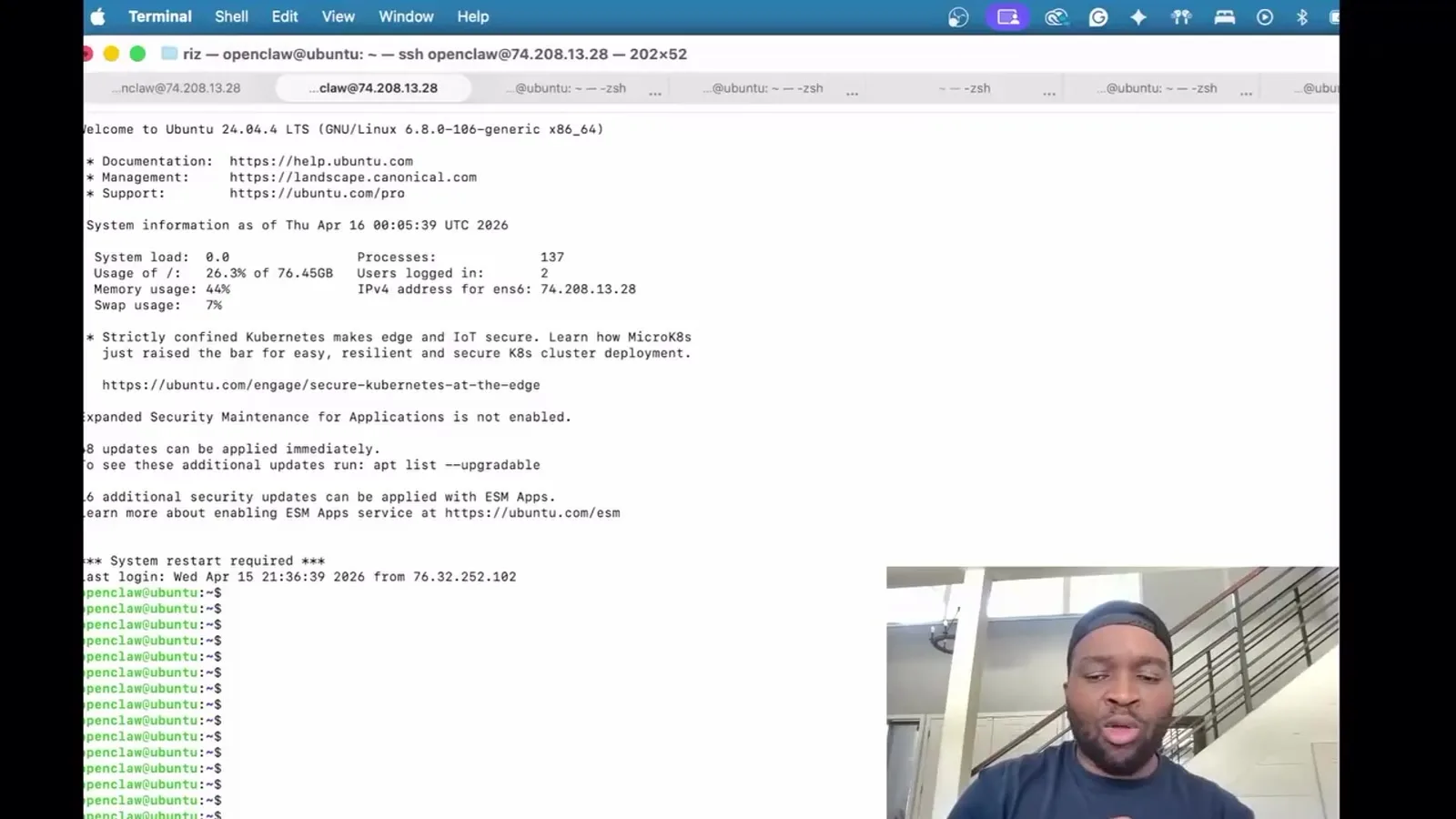
Frame from an X video about running open-source models like DeepSeek at scale, January 2026.
Use DeepSeek inside Codex, Claude Code and Google Sheets
DeepSeek is most useful when it sits behind the tools you already open every day. A coding agent like Codex or Claude Code is the harness; DeepSeek is the model doing the thinking. One October 2026 demo routed Codex through a model app: go to models, choose your favorite one, for instance DeepSeek, turn it on, then open Codex and open a new chat. Ask "Which AI model are you?" and you can see that you are already running DeepSeek behind it instead of the default model.
Claude Code works the same way for bigger jobs. One March 2026 tutorial pointed it at the DeepSeek V3 repository on a rented RTX 3090:
- Connect to the GPU with SSH and open it in your VS Code or Antigravity or Cursor.
- Install Claude Code or Codex or whatever you're using. Use Tmux, so even if you disconnect, your consoles are gonna run on the server.
- Paste the URL of the repository and prompt something like: first clone this repository and set it up.
- Tell it to write some kernels and then compare them to the baseline, make the kernels adaptive to this hardware, and then create a leaderboard measuring different kernels.
The result, after a solo developer ran an autonomous agent on DeepSeek V3.2 kernels for his own hardware in March 2026: RMS norm 3 times faster, other parts two times faster. Along the way, ask it to make sure that the kernels are doing the same thing, same functionality. You don't need any technical knowledge; you just need to think about this chat and chat with it.
Usually before you would do this manually, but now LLMs can do this.
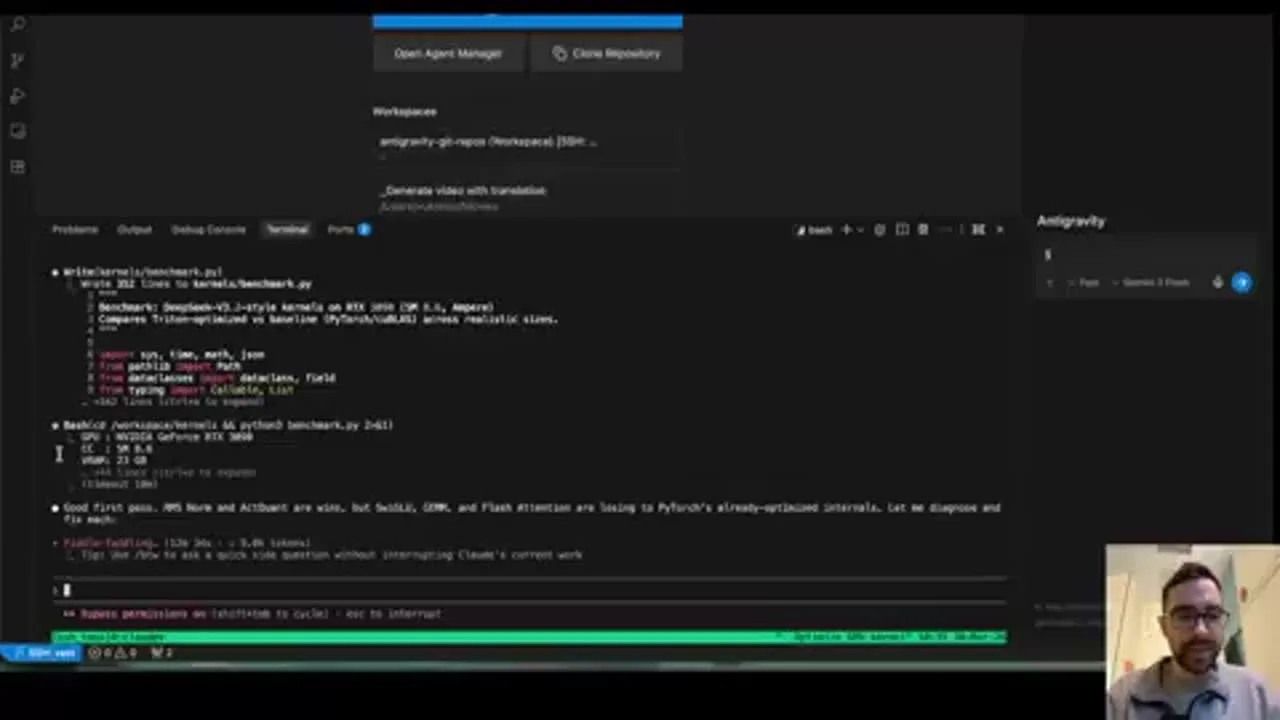
Frame from an X video tutorial optimizing DeepSeek V3 kernels with Claude Code, March 2026.
Spreadsheets are the low-code version. To bring DeepSeek into Google Sheets: generate a script, then open a table, choose Extensions and Apps Script. Create a new script file and paste the generated code. After pasting, change the endpoint value to the URL needed for the script. For security reasons, you should not directly use the auth token in the script; instead, open the settings of the project and insert the token into the script properties. Last, change the name of the model. Give it a simple task to return a number which is written twice, and if the code's working, you can use it for anything you need.
Build a DeepSeek agent with a knowledge base
A DeepSeek agent is a DeepSeek model plus your own documents, and building one now takes minutes, not weeks. In a February 2025 demo, a builder showed how to build a real world agentic AI into an application in less than 5 minutes based on DeepSeek R1 running in a serverless mode, so you don't have to manage anything, no more managing of servers and instances. The use case was an LG washing machine throwing up all kinds of error codes, with only the owner's manual PDF as help. That is a perfect small first project.
The steps carry over to most agent platforms:
- Create a new agent and select DeepSeek R1, the 70 billion parameter model.
- Create a knowledge base by selecting a data source and adding the PDF. It will take the PDF, break it open and create a database of vector embeddings, a format the LLM can understand and parse to give custom answers.
- Attach the knowledge base to the agent, then ask a question like "How can I do maintenance on my washing machine?"
Since this is a reasoning based model, it uses chain of thought: it thinks out loud and tells you all the things it is doing by looking into different parts of the PDF. You can then add guardrails, things that will prevent your agent from going rogue, and agent routing: if you have more than one agent, you can daisy chain them.
DeepSeek also pairs well with output tools. One May 2026 workflow split the job cleanly: DeepSeek reads your data, finds the patterns, structures the strategy, and NotebookLM takes that structured output and turns it into a podcast episode, a video, a client ready report, a study guide.
DeepSeek V4 does the thinking. NotebookLM does the presentation.
Pick the right DeepSeek model by testing side by side
The smartest habit is to run the same prompt through two DeepSeek models before you trust one. A January 2025 test is a good template: select two different models, R1 and V3, put them side by side, ask exactly the same prompt and compare the outputs from model to model. On "Which number is bigger, 9.11 or 9.9?", in a January 2025 side-by-side run on DeepSeek's compare view by an independent reviewer, R1 thought for 22.4 seconds and V3 thought for only 6.8 seconds, and both of them got it right. On how many Rs are in the word strawberry, R1 actually got it wrong and V3 got it right.
On a harder task, creating the game of snake in Python to play in a terminal, V3 was a lot faster, but the accuracy of R1 was just a little bit better than V3. On "give me 10 sentences that end in the word apple," the first pass got only 8 out of the 10 correct.
The model names have changed since then. As of November 2026 the API docs list deepseek-flash and deepseek-v4-pro, but the method still holds: same prompt, two answers, then you decide. For a deeper look at how DeepSeek stacks up against another family, see DeepSeek vs Claude.
How to use DeepSeek alongside other agents in Pachat
Side-by-side checking is exactly what Pachat is built around. Pachat is "Different personal AI agents, in one group chat." Put your Claude, Grok Bot, Muse and ChatGPT dots in one group chat. They check each other's facts and argue it out, then you make the call.
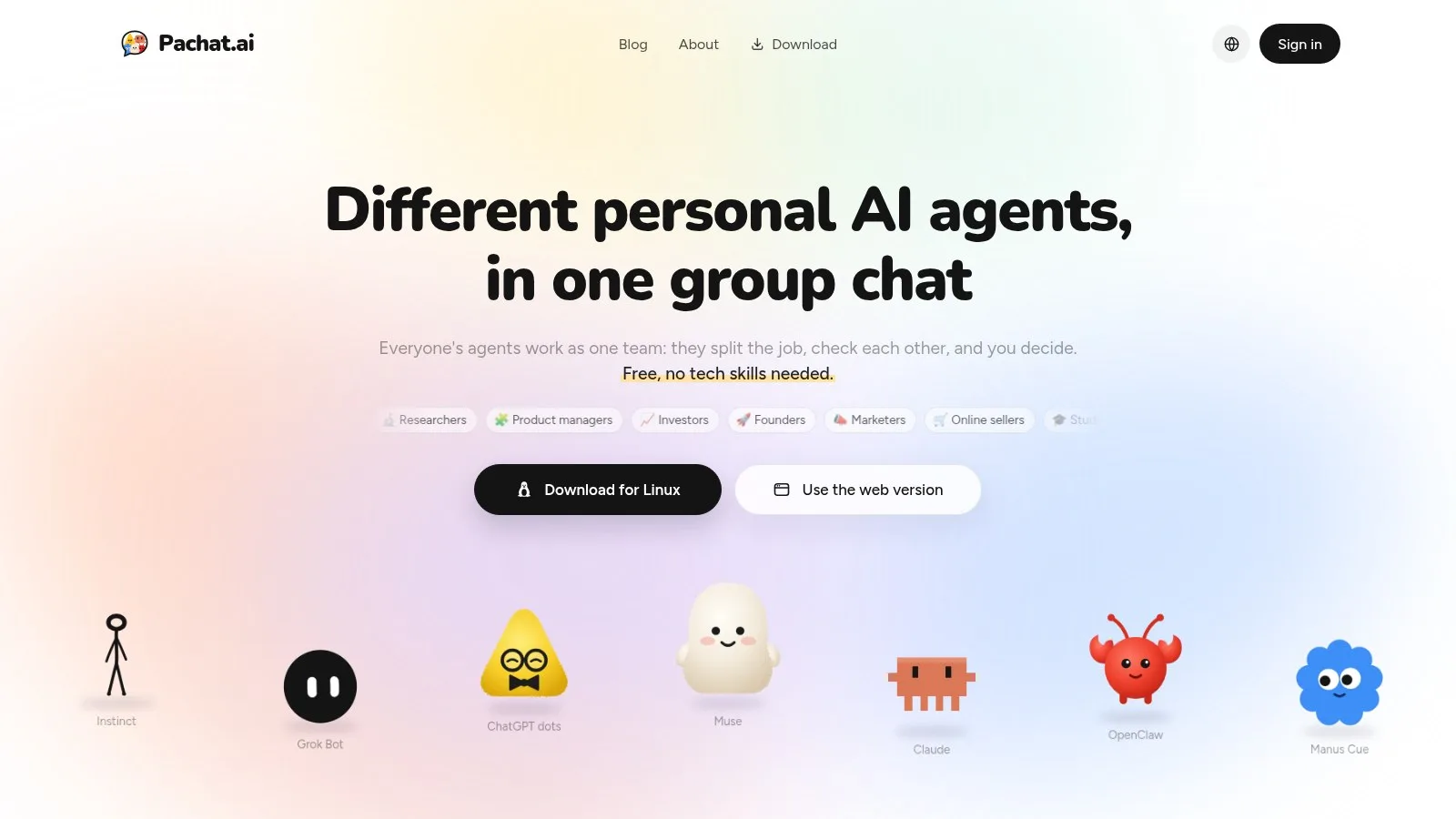
Screenshot: the pachat.ai homepage, November 2026.
A simple routine once DeepSeek has drafted something:
- Open pachat.ai and start a group chat with your agents.
- Paste the DeepSeek answer, summary or plan you want checked.
- Let the agents check each other's facts and argue it out.
- Make the call yourself. For numbers, this pairs well with fact-checking AI-generated statistics.
FAQ
Is there a DeepSeek app or do I have to use the website?
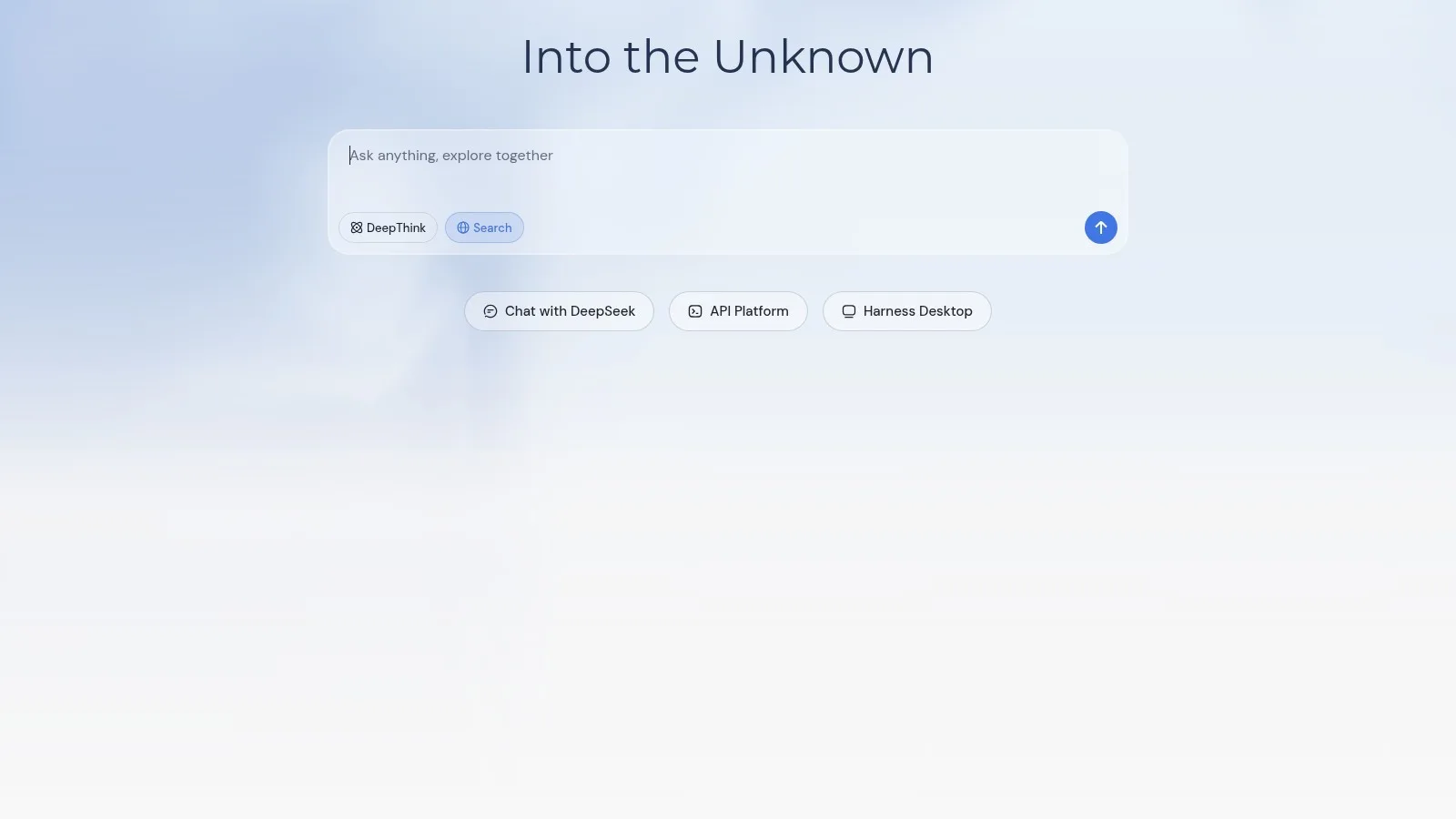
You can start on the web: go to the DeepSeek website, sign in, start chatting. The homepage in November 2026 also shows a "Get App" link and a "Chat with DeepSeek" button, so you can pick whichever device you prefer. For most people the web app is the easiest of the three main doors, and it handles long inputs well, for example summarizing a 6,000 word meeting transcript into an action list with names and deadlines.
How do I get a DeepSeek API key?
Sign up on the DeepSeek platform, apply for an API key, then set it as the DEEPSEEK_API_KEY environment variable in your terminal. The docs, checked in November 2026, use https://api.deepseek.com as the OpenAI-format base URL and deepseek-flash or deepseek-v4-pro as the model name. Because the format is OpenAI-compatible, the official OpenAI Python or Node SDK works once you change the base URL. Never paste the key directly into shared scripts; store it in environment variables or script properties.
Which DeepSeek R1 size can I run locally?
It depends on your GPU memory. Ollama lists DeepSeek-R1 in 7 sizes: 1.5b, 7b, 8b, 14b, 32b, 70b and 671b. The full 671 billion parameter model will not run on a normal PC. In a February 2025 install walkthrough on a Windows PC, a presenter found the 70 billion and 32 billion versions failed and the 14 billion version worked. Start small, confirm it runs with ollama run deepseek-r1:14b or a smaller tag, and move up only if your hardware keeps up.
Can I use DeepSeek inside Claude Code or Codex?
Yes. The DeepSeek API docs, as of November 2026, say that if you use tools like Claude Code, GitHub Copilot, or OpenCode, you can use DeepSeek as the backend model directly, with no code required, and they link an Agent Integrations Guide. Codex can also run on DeepSeek through a model-routing app, as shown in a short October 2026 demo. The coding agent stays the same; only the model behind it changes.
Should I use R1 or V3?
In a January 2025 side-by-side test on DeepSeek's compare view, an independent reviewer found V3 answered faster (6.8 seconds vs 22.4 seconds on one question), while R1 was a little more accurate on a harder coding task. Neither won every round: R1 missed the strawberry letter count that V3 got right. Today's API model names are deepseek-flash and deepseek-v4-pro, but the lesson is the same in 2026: run the same prompt through two models, compare, and keep the one that fits the job.
Can Pachat check DeepSeek's answers?
Pachat is "Different personal AI agents, in one group chat." You put your Claude, Grok Bot, Muse and ChatGPT dots in one group chat, and they check each other's facts and argue it out, then you make the call. That makes it a natural second step after DeepSeek drafts something important in 2026, such as a summary, a plan or a set of numbers. Paste the draft into the group and let the agents weigh in at pachat.ai.
Want a second and third opinion on what DeepSeek tells you? Try it at pachat.ai.
References
- @svpino, X, 2026-01-30
- @jgonzalezferrer, X, 2026-10-02
- @VukRosic99, X, 2026-03-30
- @JulianGoldieSEO, X, 2025-10-01
- @MatrixAINetwork, X, 2025-02-12
- @paddix, X, 2025-02-11
- @4everland_org, X, 2025-03-17
- @thealexbanks, X, 2025-01-30
- @JulianGoldieSEO, X, 2026-05-14
- Your First API Call, DeepSeek API Docs
- deepseek-r1, Ollama library