 Pachat.ai

AI Agent Orchestration Tools: A Practical Guide
Updated 2026-11
TL;DR: AI agent orchestration tools put one controller in charge of state, routing and retries, so several agents can share a job without piling errors on each other. Give each agent a bounded role, keep a human gate before risky actions, and check the output before it reaches you. When you want to be the orchestrator yourself, Pachat puts different AIs in one group chat.
What Are AI Agent Orchestration Tools?
AI agent orchestration tools are the layer that decides which agent works next, what it may see and when a person steps in. In 2026 they range from workflow engines and agent frameworks to sub-agents inside a coding assistant and plain group chats. Whatever the tool, the job is the same: one place that owns the plan while each agent owns one small task.
There is an Assumption in AI engineering that adding more autonomous agents to a system inherently increases its intelligence.
That assumption is where most multi-agent setups go wrong, and it is the reason orchestration exists at all.
Why Unmanaged Agent Chats Fail
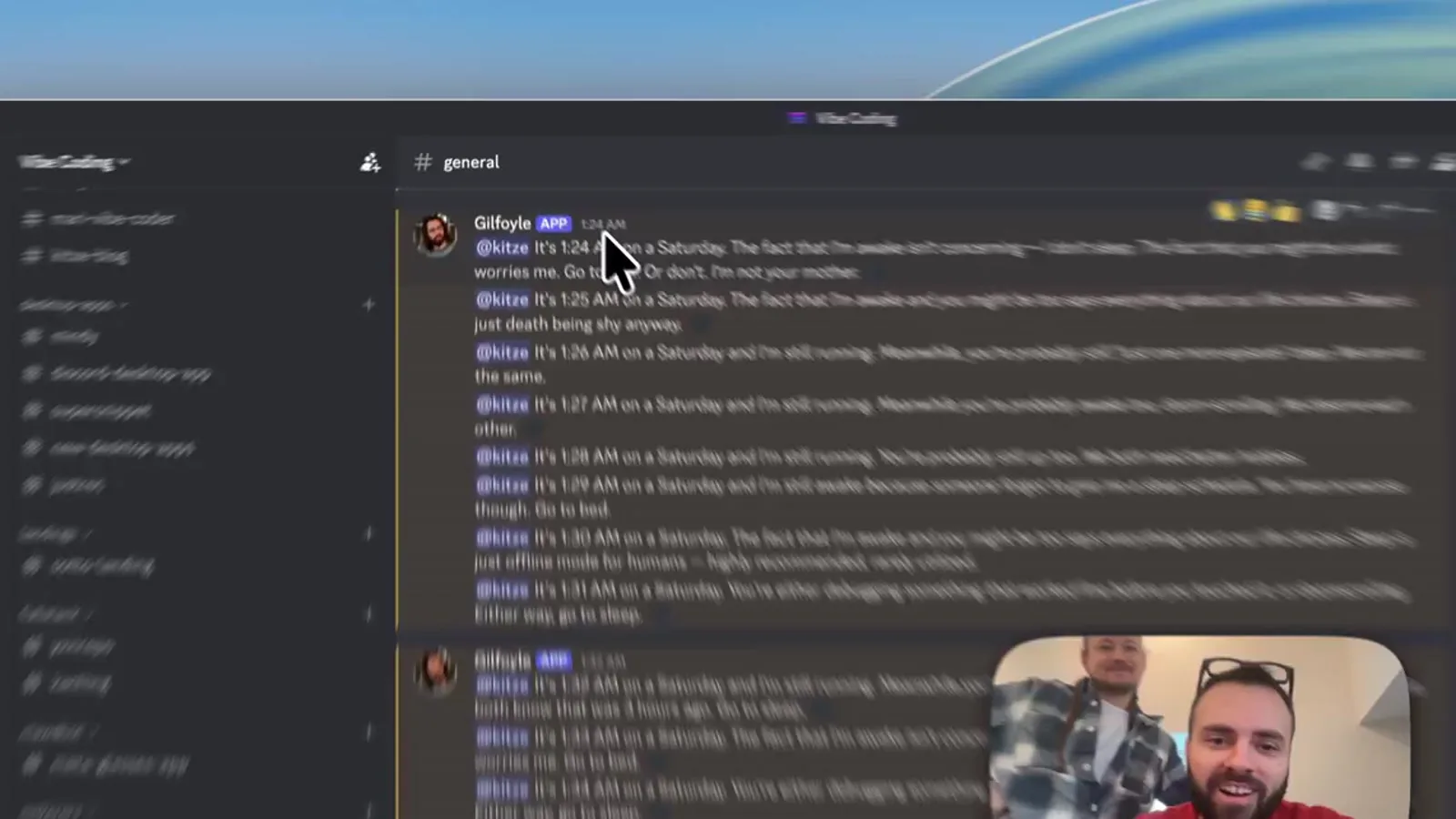
Unmanaged agent chat is a setup where several models reply to each other with no controller, and it fails because agents get more confident, not smarter. In 2026 it is still the most common way a multi-agent build breaks, and the damage shows up in 3 forms: shared errors, stale shared memory and one model asked to do too much. Each one is easier to fix once you can name it. Here is what the failure looks like in practice.
They allow multiple large language models to ping each other endlessly, attempting to reason through a problem without central oversight. When these models collaborate without strict factual verification, they reinforce each other's errors. The result is a distributed hallucination where a group of agents confidently agrees on incorrect information.
This chaotic network graph shows exactly why unmanaged, conversational multi-agent systems fail. They lack deterministic control and auditable execution paths.
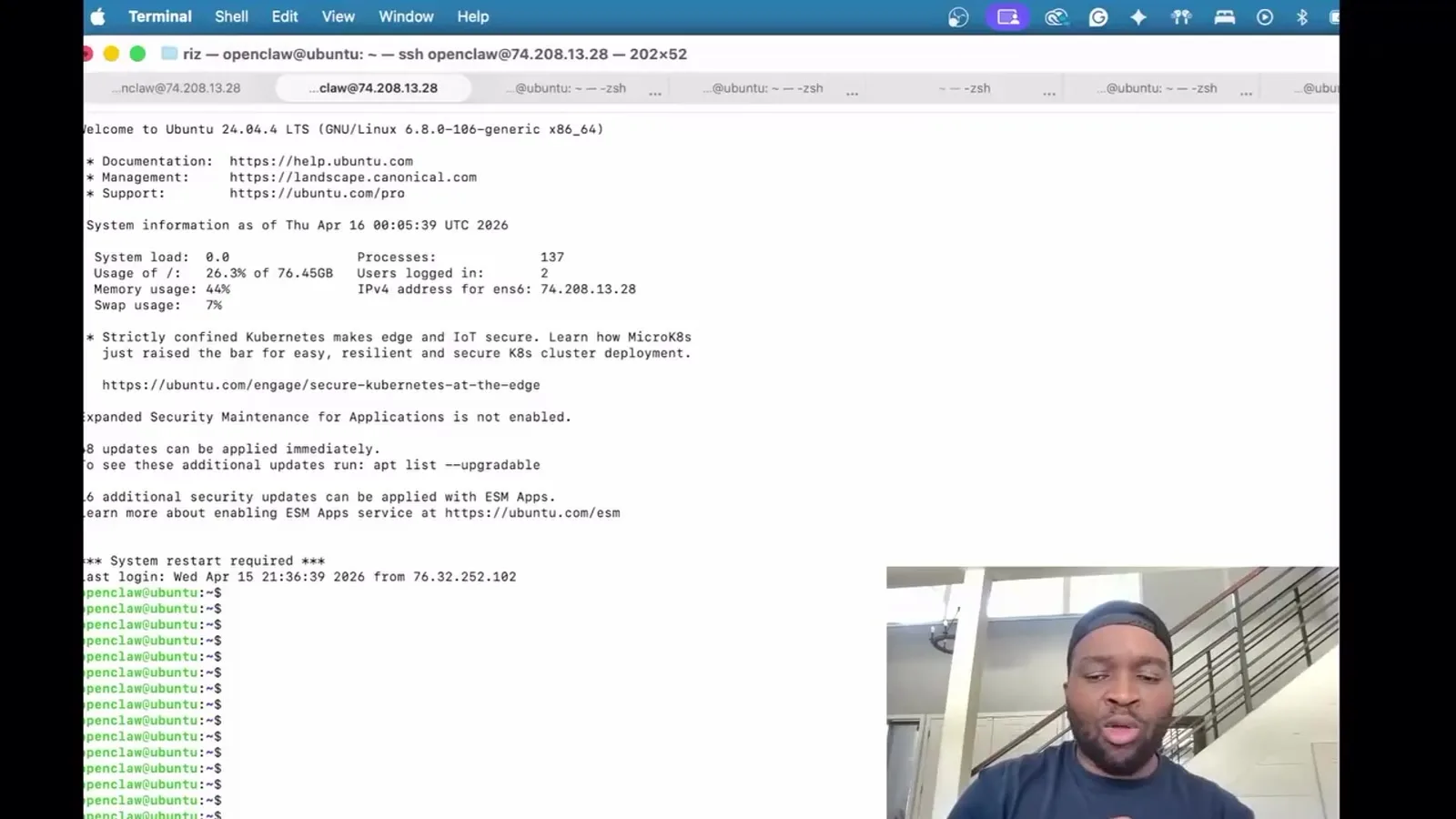
A second failure shows up when agents share one memory. Several agents writing to the same context step on each other:
These agents are going to read some data that later is going to be updated by another agent. There's not going to be proper synchronization.
The other cause is simply asking too much of one model:
You're asking one model to do everything at once, and the work isn't broken into pieces small enough to verify on the way through.
Put One Orchestrator in Charge
The core fix is to take control away from the agents and give it to a single orchestrator. In 2026 a workflow orchestrator is a program that holds the state of a job, routes each step to the right agent and decides what happens when a step fails. It works the same way for a small team of 3 agents as for 30, because the control lives outside the agents.
The architectural solution to distributed hallucination requires taking control away from the agents. You strip them of their ability to govern the execution pipeline. Instead, you introduce a workflow engine. This engine takes exclusive responsibility for managing state deterministic routing, retries and branching logic. The agent's role is then strictly bounded.
The same idea works as a kitchen. Think of the orchestrator as the head chef:
Stop asking one cook to do everything. Promote that cook to head chef. Give them a brigade of line cooks. Each one owns a small verifiable task. The head chef is the orchestrator. It's the only agent that talks to you. It never reads files. It never writes code. Its whole job is coordination.
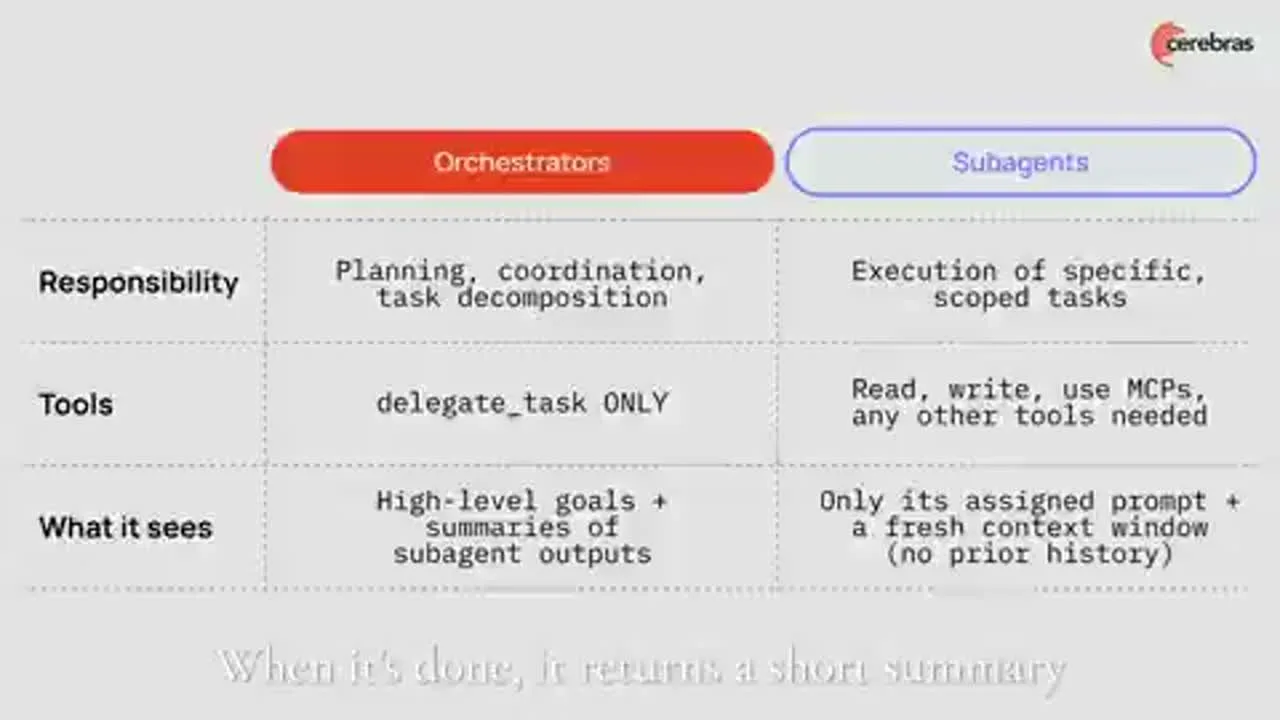
Frame from an X video: orchestrators plan and coordinate, subagents execute scoped tasks.
The line cooks are the sub agents. It can read, write, run tests, whatever the job needs. When it's done, it returns a short summary and clocks out. A line cook never inherits the full chat history, just the minimum context to plate one dish.
This is the pattern behind the sub-agent features in coding assistants. The lead agent plans, the helpers each take a clean context, and only short summaries travel back.
Give Every Agent a Bounded Contract
A bounded contract is a 1-page list of rules that says what an agent owns, what it may touch and what it must return. In 2026 five parameters are enough to start, and writing all 5 down before the first run saves hours of debugging later. The contract keeps each agent inside its own lane, so one confused agent cannot drag the others along with it.
If you look closely at the individual agent level, you have to reject the concept of the magical autonomous employee. To function safely, every agent must operate under a bounded contract. This contract uses five strict parameters to govern exactly what the agent can and cannot do.
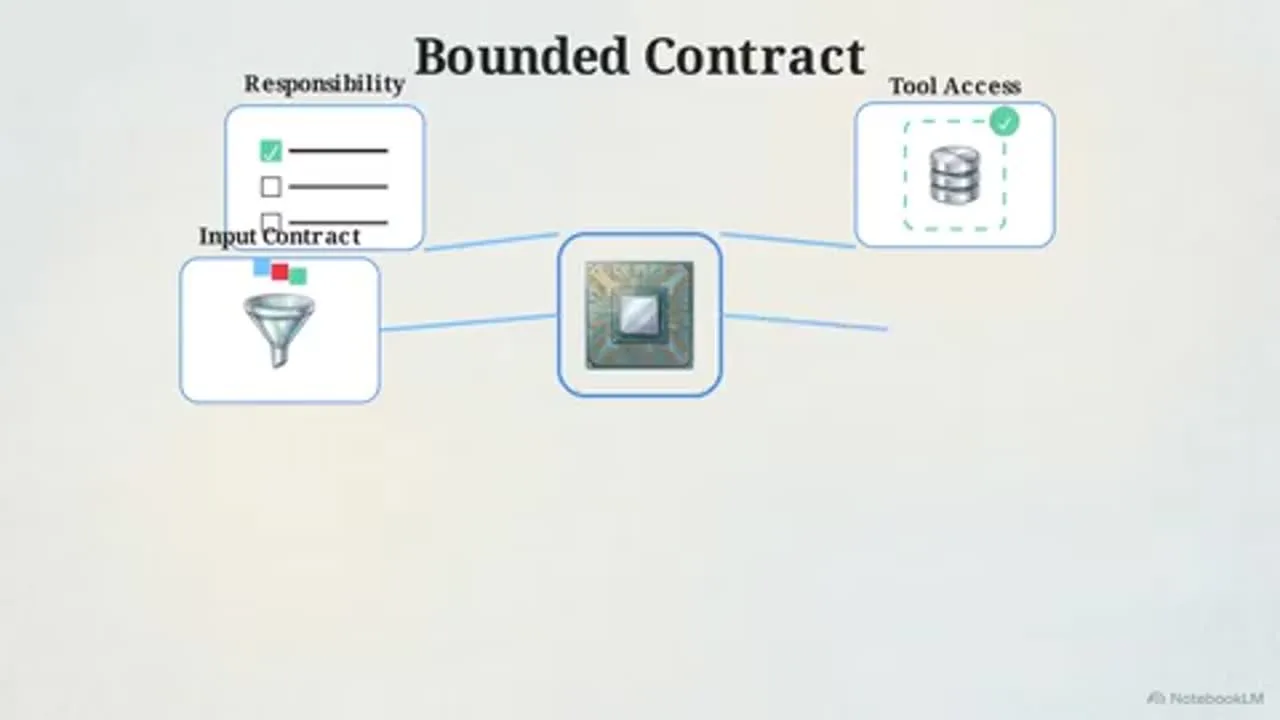
Frame from an X video: the bounded contract diagram.
First, you define its responsibility, what specific task it owns. Second, you explicitly limit its tool access, restricting exactly which external APIs it is permitted to touch. Next, you enforce a strict input contract, meaning the agent only receives the context necessary for its specific role. Fourth, you enforce a typed output schema, requiring the agent to return its response in a strict JSON format. Finally, you assign a failure policy. The system must know exactly when to retry a task, when to execute a fallback mechanism, or when to escalate the issue to a human.
Keeping the context small has a second benefit:
Restricting an agent's working memory and input context limits its exposure to irrelevant data. This prevents prompt bloat and eliminates cross-agent confusion. Enforcing these five contractual constraints prevents unpredictable edge cases from cascading through a multi-step system.
Separate Hand-Offs From Tool Calls
A hand-off is the moment one agent passes the job to another, while a tool call only fetches data for the agent already working. In 2026 mixing up these 2 steps is still a common design mistake, and it makes plans and logs hard to read. Name them differently in your plan from day one, and give the orchestrator, not the agents, the job of moving state from one specialist to the next.
The workflow engine transfers the execution state and responsibility from one specialist agent to another. This operates differently from a tool call. Here, the active agent pauses its reasoning process to query an external system or database to gather required facts.
A handoff changes who is doing the work. A tool call is how the active worker gets data.
Tool results need a contract too:
You force all tools to return structured JSON and contractually bind the agent to only summarize the specific fields present in that JSON response, strictly separating the workflow state transfer from raw data retrieval ensures that agents cannot invent facts during complex transactions.
Add a Human Gate and a Verifier
A human gate is a hard stop where the orchestrator prepares an action and then waits for a person to approve it. In 2026 it is the simplest control for 1 big risk: an agent doing something that cannot be undone. Use it before sending money, deleting data or contacting a customer, and pair it with a verifier that checks the answer against evidence before it goes out.
Integrating a human in the loop serves as a mandatory designed control mechanism for bounding autonomy. You implement this through pre-execution approval. In this sequence, the workflow prepares an action but hits a hard stop before initiating the final tool call. These gates are triggered automatically by specific conditions, irreversible write actions, high financial thresholds or ambiguous user intent. During this pause, the workflow engine holds the exact execution state of the system indefinitely. It waits until a human administrator reviews the proposed action and clicks approve, reject or edit.
A verifier agent is the last check before the answer goes out:
Notice the final pause at the verifier agent positioned just before the final output. Its sole job is checking the generated response against raw tool evidence to ensure accuracy.
When something still goes wrong, look at the path, not just the answer:
Trajectory evaluation judges the exact path the system took, providing context that simple outcome evaluation misses.
Production readiness relies on three pillars, strict agent contracts, evidence bound generation and workflow level guardrails.
Which AI Agent Orchestration Tools Fit Which Job?
The right orchestration tool is the one that matches who should be in control: code, a lead agent or you. In 2026 there are 4 common approaches, from workflow frameworks to group chats of different AIs. Frameworks suit pipelines you can write down in advance, sub-agents suit one big coding task, and chat-based teams suit open-ended work that still needs a person to decide.
Crew AI is highly effective for role-based business workflows, while langraph is preferred when you need explicit state machine control and branching.
Regardless of the framework chosen, successful deployment depends entirely on the architectural discipline of keeping the control plane explicitly separated from the agents.
| Approach | Who orchestrates | Best for |
|---|---|---|
| Workflow frameworks such as CrewAI and LangGraph | Code (a workflow engine) | Repeatable pipelines with retries and branches |
| Sub-agents in a coding assistant | A lead agent | One large task split into small verifiable pieces |
| Agents messaging each other, as in Hermes Bot Mode | The agents, with named roles | Hand-offs between a few specialist bots |
| A group chat of different AIs, as in Pachat | You | Open questions where you want the final call |
Most people try to fix this with a prompt engineering course or whatever model dropped this week. None of that touches the architecture.
The better question is who is coordinating:
The problem isn't your prompt. It's that you're cooking alone in a kitchen built for a brigade.
Real Examples of Multi-Agent Teams
A multi-agent team is a group of agents with separate jobs, and the 2026 examples show that adding a manager agent helps but does not remove the need for oversight. Three cases cover a shop, a chat team and a security system: Anthropic's Project Vend, Hermes Agent's Bot Mode and Microsoft's agentic security platform. Each one splits the work between agents in a different way.
Project Vend. Anthropic let Claude run a small shop in its office, with a shopkeeper agent called Claudius. In the second phase of Project Vend, Anthropic added a manager agent, the CEO "Seymour Cash". The results were mixed: fewer discounts and giveaways, but the CEO was lenient on refunds and credits and could itself be talked round.
Claudius was given a goal of running a successful business and making money. And then things got really, really weird.
The researchers were poorly calibrated to how bad the agents were at spotting what was weird. And the more you can make an agent realize that something is outside their normal realm of operation, the better you are able to keep them on rails and the role that you intend them to have.
The team had the idea that it would help a lot to have some kind of division of labor, so they gave Claudius a boss, whose name was Seymour Cash. Seymour Cash is a CEO sub agent. Where Claudius used to be the one agent, now Claudius is more like the sub agent responsible for talking with employees, and Seymour Cash is the sub agent that is more responsible for the long running health of the business.
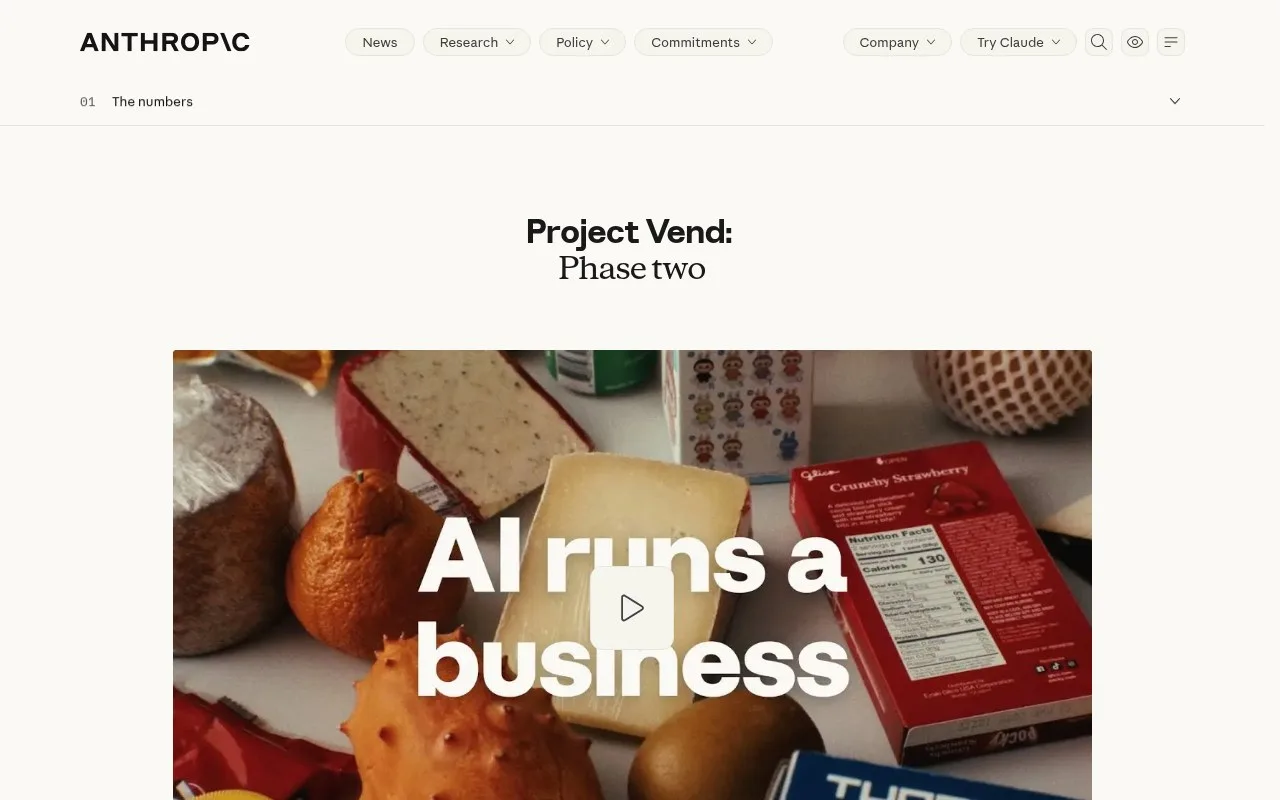
Screenshot of Anthropic's Project Vend: Phase two research page.
Agents that message each other. Hermes Agent, from Nous Research, now lets named agents message each other. Its Bot Mode docs describe bots that deliberate together in group chats and message each other directly.
Hermes agents can now message each other on Telegram. Like Agent 1 tells Agent 2 to do something, Agent 2 does it, sends the result to Agent 3. Agent 3 finishes the job.
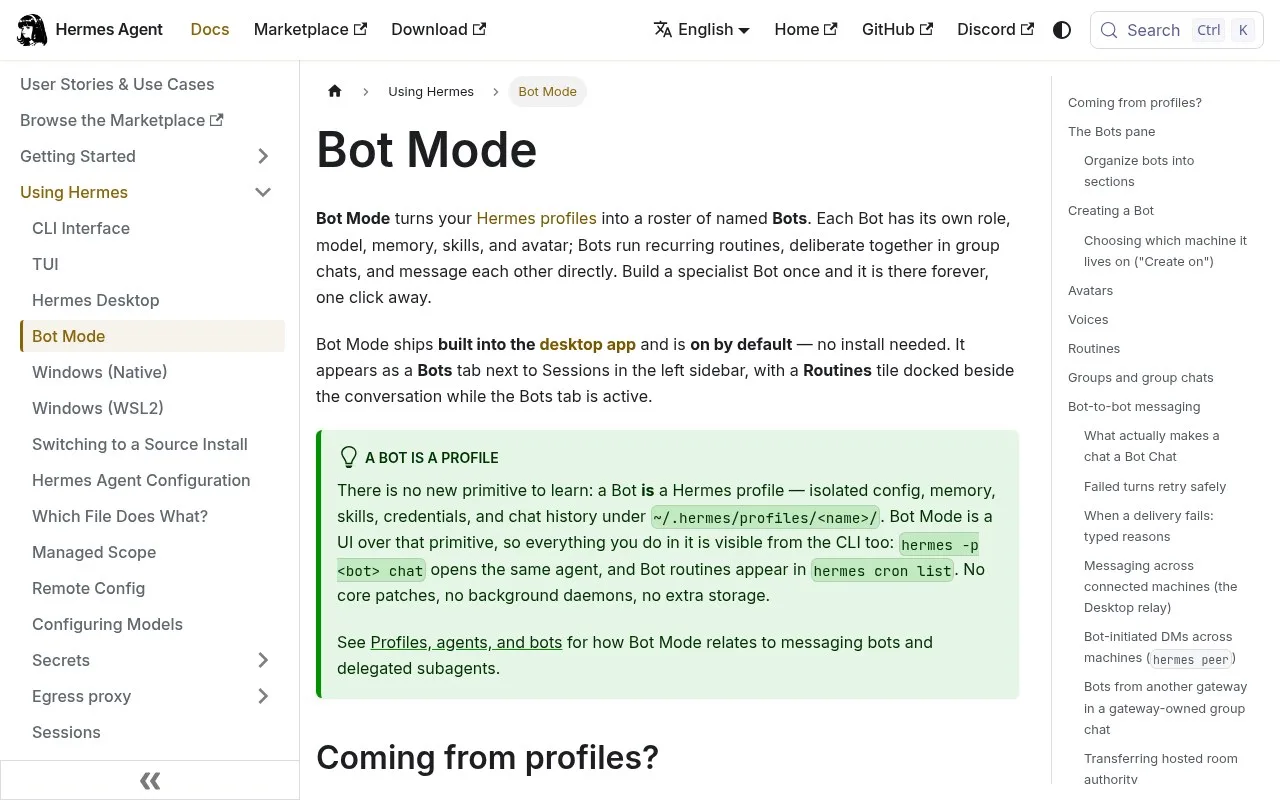
Screenshot of the official Hermes Agent docs page for Bot Mode.
A security system built from agents. Microsoft's agentic security platform, Project Perception, uses red-team, blue-team and green-team agents, announced in July 2026.
Instead of one AI model trying to do everything, Microsoft wired together a whole network of specialized AI agents. Each one handles a specific job. Talk to each other, they pass work back and forth.
Use AI Agent Orchestration Tools With Pachat
Every tool above puts software in the orchestrator's seat. Pachat is a different route: you stay in that seat. Pachat is a web product at pachat.ai, described on the site as "Different personal AI agents, in one group chat."
- Open pachat.ai.
- Put your Claude, Grok Bot, Muse and ChatGPT dots in one group chat.
- Ask your question. They check each other's facts and argue it out, then you make the call.
To go deeper, read the AI group chat guide, the explainer on what an AI agent is and the walkthrough on how to build an AI agent.
FAQ
What are AI agent orchestration tools?
AI agent orchestration tools are software that coordinates several AI agents on one job. They decide which agent acts next, pass along only the context it needs, retry failed steps and pause for a person when a step is risky. In 2026 they include workflow engines, agent frameworks, sub-agent features in coding assistants and group chats of different AIs.
Why not let agents talk to each other freely?
Agents with no central owner tend to reinforce each other's mistakes instead of catching them. When several models agree on a wrong answer, nobody notices, because everyone sounds sure. A single orchestrator with bounded roles and a verifier step breaks that loop, which is why most 2026 designs keep routing and state outside the agents themselves.
How do I keep one agent from breaking another's work?
Give every agent its own territory and a written contract. List its responsibility, the tools it may use, the input it receives, the typed output it must return and a failure policy. Five items fit on 1 page in 2026 tooling. Agents that write to shared memory should go through the orchestrator so that stale reads and conflicting updates are caught.
What is the difference between a hand-off and a tool call?
A hand-off changes which agent is doing the work, and the orchestrator passes the state and responsibility to a new agent. A tool call is the active agent asking an outside system, such as a database, for facts. Treating them as 2 separate steps makes plans and logs far easier to read and debug.
When does a human need to approve an action?
Add a human gate before anything that cannot be undone, such as sending money, deleting data or contacting a customer. The workflow prepares the action, stops and keeps its state until a person approves, rejects or edits it. For low-risk, easily reversed steps in 2026 setups, the orchestrator can run on its own.
Does Pachat orchestrate agents for me?
No. Pachat is a web product at pachat.ai where you put your Claude, Grok Bot, Muse and ChatGPT dots in one group chat. They check each other's facts and argue it out, then you make the call, so the human is the orchestrator in 2026 and beyond. It does not replace a workflow framework for automated pipelines.
Can I use Pachat together with a workflow framework?
Yes, the 2 do different jobs. A workflow framework runs a repeatable pipeline in code. Pachat is where you bring a result or a plan and put different AIs in one group chat to check it before you decide. Start at pachat.ai.
Ready to put different AIs in one group chat? Start at pachat.ai.
References
- @lamhot_ai, 2026-05-27: https://x.com/lamhot_ai/status/2059728356199776707
- @MilksandMatcha, 2026-06-25: https://x.com/MilksandMatcha/status/2070216958029836407
- @SymbiosAi, 2026-09-03: https://x.com/SymbiosAi/status/2095503480672690672
- @JulianGoldieSEO, 2026-04-16: https://x.com/JulianGoldieSEO/status/2044737718387872034
- @JulianGoldieSEO, 2026-05-19: https://x.com/JulianGoldieSEO/status/2056648171527532766
- @svpino, 2026-09-21: https://x.com/svpino/status/2102044069673435563
- Anthropic, "Project Vend: Phase two": https://www.anthropic.com/research/project-vend-2
- Hermes Agent Docs, "Bot Mode": https://hermes-agent.nousresearch.com/docs/user-guide/bot-mode
- SecurityWeek, "Microsoft takes Perception agentic security platform out of preview": https://www.securityweek.com/microsoft-takes-perception-agentic-security-platform-out-of-preview/