 Pachat.ai
OpenClaw Alternatives: 4 Kinds of Agents to Try
Updated 2026-11
TL;DR: The OpenClaw alternatives worth a look fall into two camps: self-hosted agents such as Hermes Agent and NanoClaw, and hosted always-on agents such as Muse, dots, Claude Duet and Grok Bot. Pick one job, pick one agent, and keep OpenClaw in the loop if it already does that job well.
Why people look for OpenClaw alternatives
The main reason people look for OpenClaw alternatives is that setup and security become their own job. OpenClaw is an open-source AI assistant that you run on your own hardware. As of November 2026, its docs describe one self-hosted Gateway that connects chat apps such as Discord, iMessage, Slack, Telegram and WhatsApp to the assistant. It is MIT licensed and works with models from Anthropic, OpenAI, OpenRouter and local setups. That freedom is the draw, and it is also why running it feels like a project.
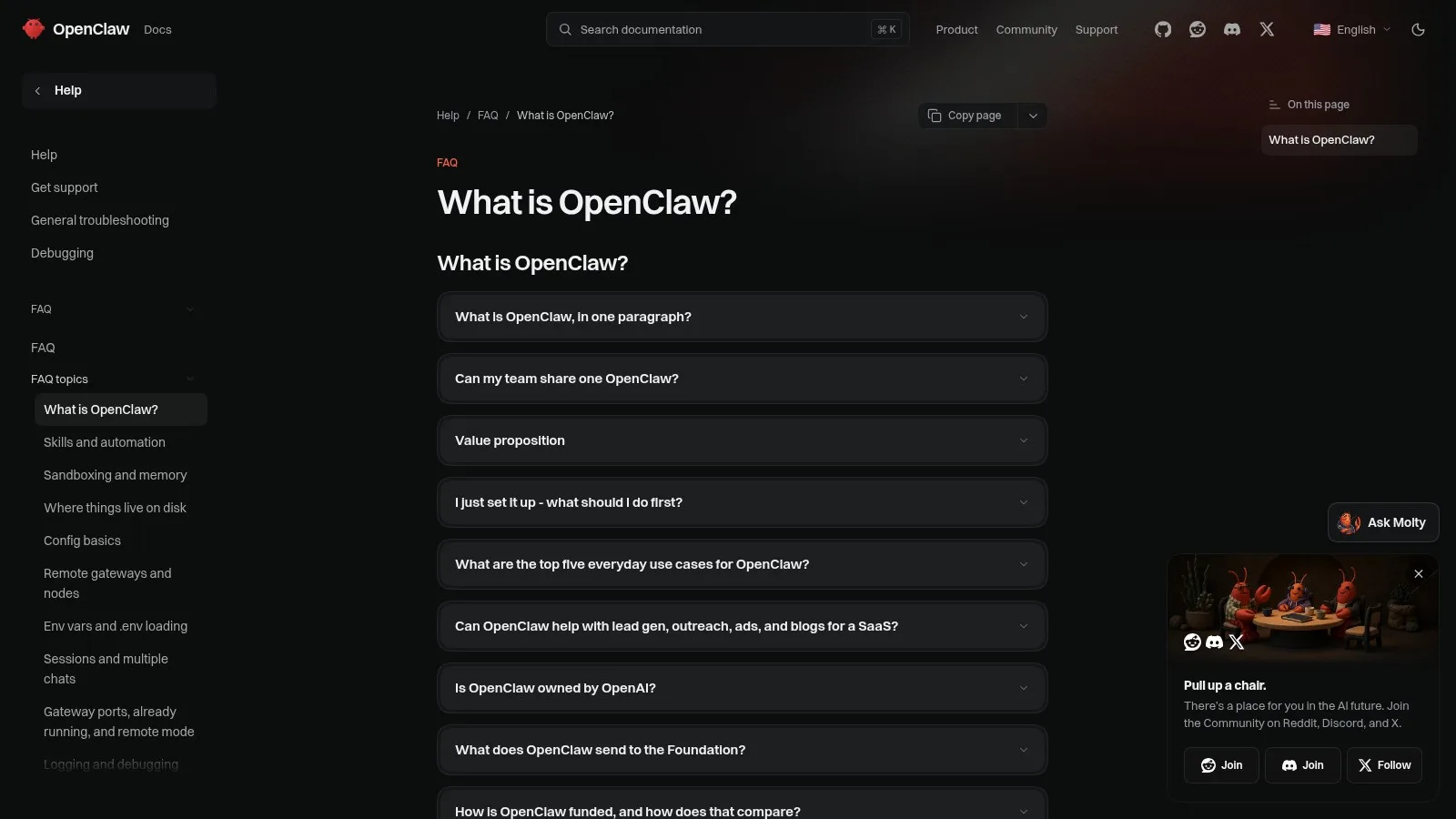
Screenshot: the OpenClaw docs FAQ, November 2026.
One ranked comparison of personal agents sums OpenClaw up in a single line:
Open Claw, the open source lobster that started it all, is free. Any model running on your own machine, but setup and security are on you.
Another walkthrough explains why that matters for newcomers:
Open Claw showed that an AI assistant could do more than chat. But to try it, you needed a computer to run it on. Open Claw got people excited because it could actually do things for you. But there were two hurdles. First, you needed somewhere to run it, either your own computer or a server.
A non-technical business owner puts the other side plainly:
Most of you, who are not overly technical, with a background in sales and marketing, you're looking for easy solutions.
Tools on the other hand, like Open Claw and Hermes, are really powerful, really cool stuff. But not being an IT guy, you can probably still spend about 8 hours getting your Hermes configured to do what you want to do.
His verdict: "I definitely have more control, but I have a lot more hassle along with it." And his forecast for everyone else:
So for most of you, not all of you, you're gonna see that again. Using a system where it's that easy button is likely what you're gonna want to do instead. Could be wrong, but that's where the market is headed for most people.
Self-hosted OpenClaw alternatives: Hermes Agent and NanoClaw
Hermes Agent and NanoClaw are the two closest self-hosted OpenClaw alternatives. Hermes Agent is an autonomous assistant from Nous Research with tools, persistent memory, skills, scheduled tasks, subagent delegation and browser automation. As of November 2026, its Messaging Gateway lists more than 25 platform adapters, including Telegram, Discord, Slack, WhatsApp, Signal, Email and Teams. NanoClaw is a lightweight open-source assistant whose GitHub page calls it "a lightweight alternative to OpenClaw that runs in containers for security."
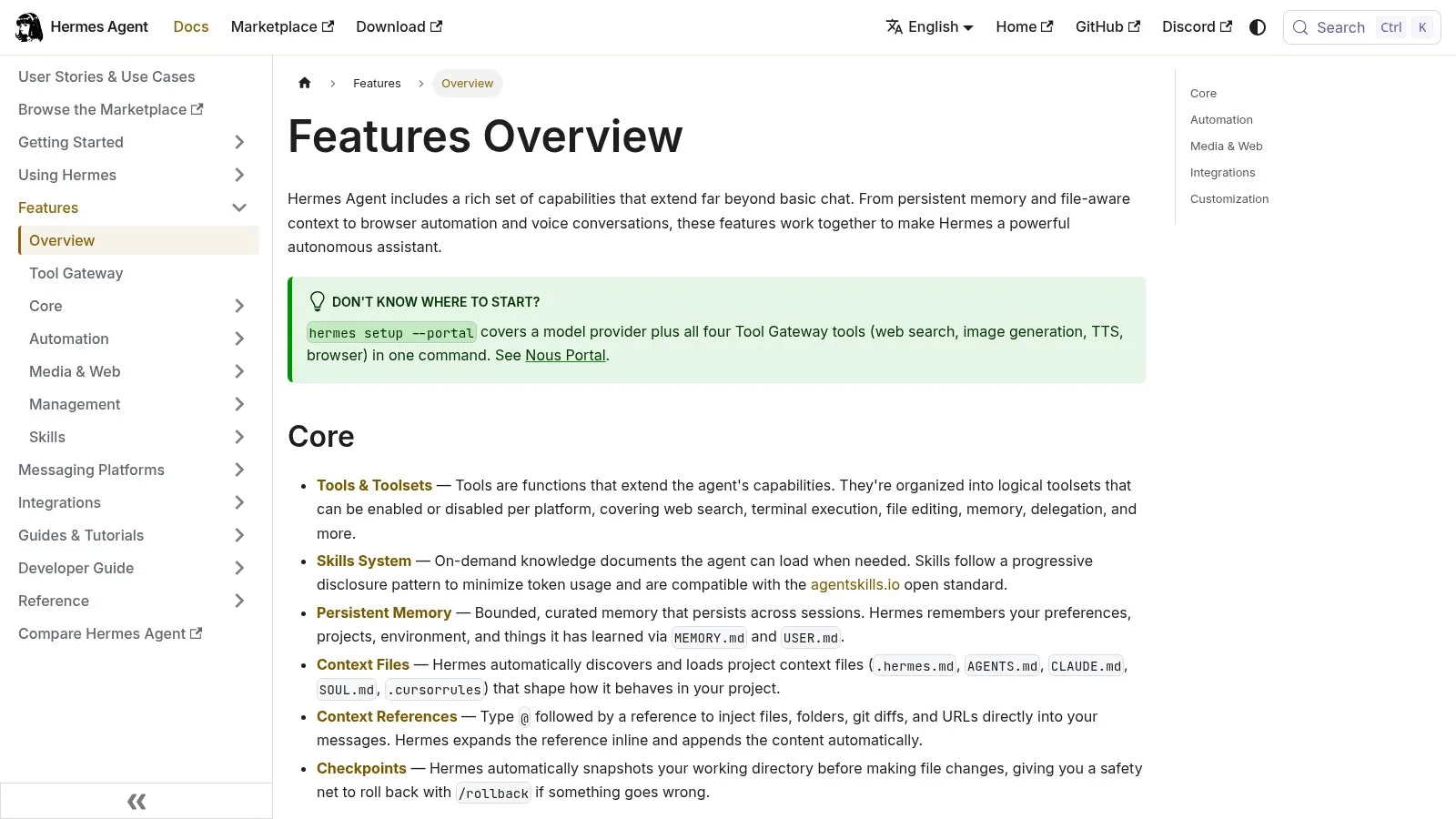
Screenshot: the Hermes Agent docs, Features Overview, November 2026.
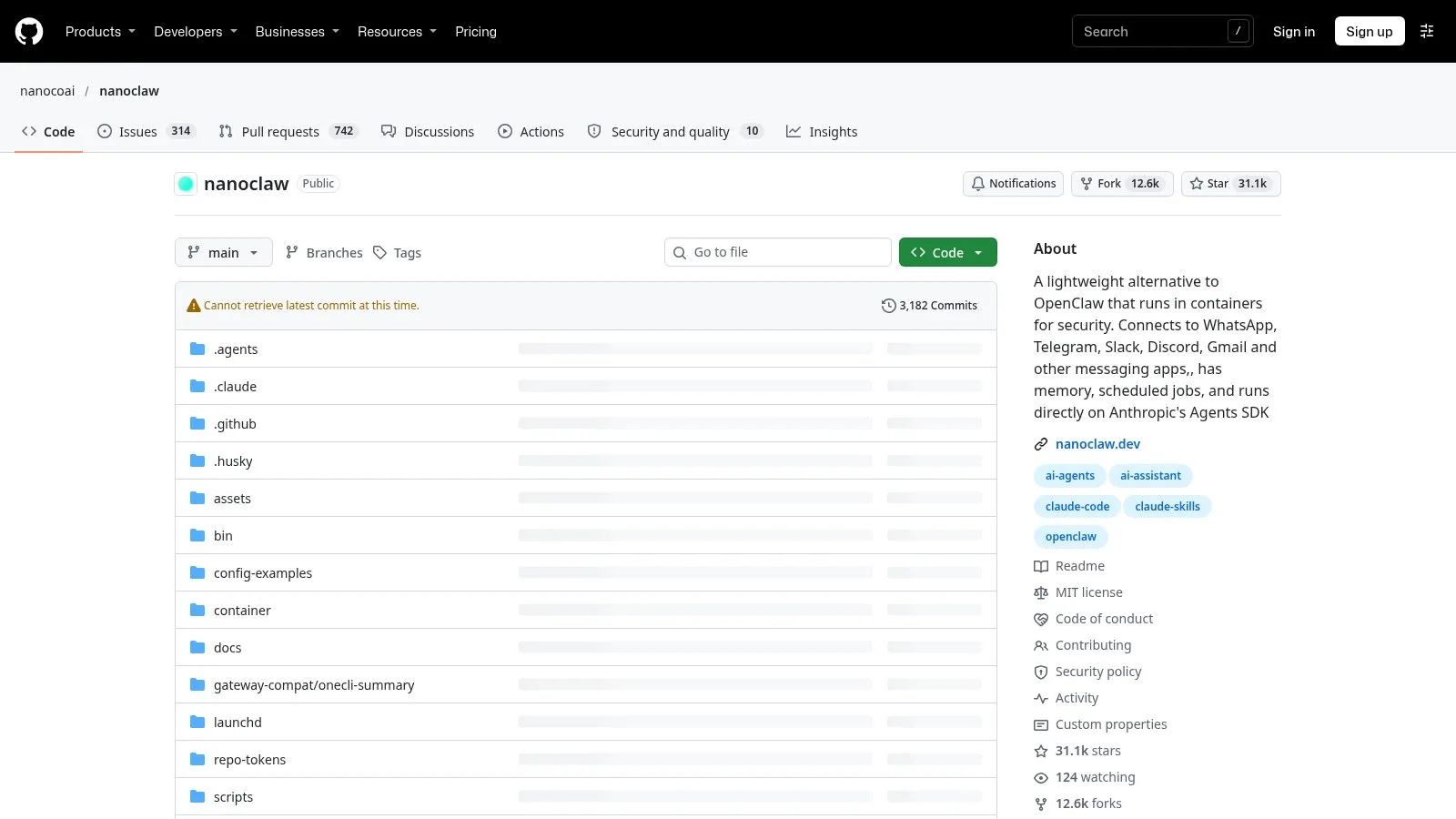
Screenshot: the NanoClaw repository page, November 2026.
Hermes keeps adding ways to work with several agents at once. A recent update walkthrough puts it this way:
Group chats with automatic routing, Hermes can now run multiple agents inside a single group chat. And here's the part that matters. A lead agent or automatic router can decide which agent should respond to each message. You send one request, the router looks at it, figures out what's needed, and sends it to the right agent. You don't have to tell it which one it decides.
The same update moved the workspace into a browser, with one caveat attached:
Your Hermes desktop is now in a browser tab. Now one thing to be clear on the web app is off by default. You have to switch it on in settings. And this isn't a hosted cloud service. Automatically, it runs on your machine and serves to your network.
Self-hosting also means the agent lives where you put it. One long-time user runs both tools locally:
Both Hermes and Open Claw exist here physically on this machine.
Hosted always-on agents: the other kind of alternative
Hosted always-on agents are the other kind of OpenClaw alternative: they run the computer for you. An always-on agent is an agent with its own computer, memory and rules that can start work on a trigger instead of waiting for a prompt. As of October 2026, Meta's Muse, OpenAI's dots, Anthropic's Claude Duet and xAI's Grok Bot each run on a cloud computer of their own. Plans and regions differ and change quickly, so check each product page before you commit.
The shift is described directly:
Now Meta, Xai, Open AI and anthropic are giving their assistants computers of their own. Does that solve the problem? Now these companies run the computer for you.
The reason that matters comes from a longer architecture explainer:
A chatbot is running in your own session like it has its own session and it's distributed hardware. But an always on agent needs its own computer. Think of it having its own laptop, for example, because it needs access to browser and all of that file systems and all of that.
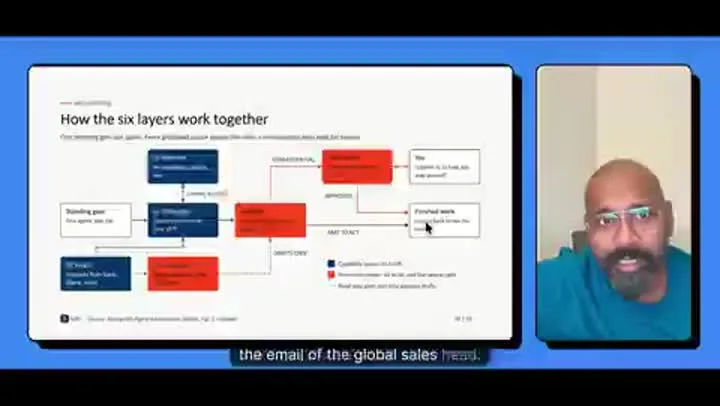
Frame from an always-on agent architecture explainer.
So there are four key components that makes an always on agent really work. It's the underlying model itself. Then the computer, which is the infrastructure that it needs to run the memory that actually helps it understand the overall context and keep improving and also the rules that it needs to run the whole show.
Handing over the computer does not hand over the judgment:
Think of it like hiring a personal assistant and giving them a laptop on day one.
They still need access to the right accounts. They need to learn what matters to you, what they can handle on their own and when to check with you. That takes time.
One more limit comes from a user who runs both kinds. Hosted OpenClaw and Hermes "can't touch the physical machine," and "then they're restricted only to activity they can do in the cloud."
How to choose among OpenClaw alternatives
The best way to choose among OpenClaw alternatives is one job, not a ranking. A single job is a task with one outcome, such as drafting replies to your inbox each morning. As of November 2026, people running several agents describe the same pattern: agents given one job stay manageable, and agents given many jobs become hard to supervise. Start with one job for one week, then decide whether to keep, switch or add a second agent.
One builder who gave his Hermes agents too much describes the result:
Every agent you build on Hermes can end up having too many jobs. And when something breaks or a workflow needs to get added, it ends up falling on your shoulders as the responsible individual. That is why you ultimately lose faith and trust with your Hermes agents, because it gets too complex to manage.
His fix:
Every bot starts with one job. You give it an outcome and you give it a list of what it can't do and then the rules in your own words.
The architecture explainer gives the same advice with a concrete case:
Let agent No. 1 be focused just on the email part of it, while agent No. 2 focuses on LinkedIn.
A short checklist:
- Write down one job and the outcome you expect.
- List what the agent must not do, in your own words.
- Decide whether you want to run the computer yourself (OpenClaw, Hermes Agent, NanoClaw) or have it run for you (Muse, dots, Claude Duet, Grok Bot).
- Give it that one job for a week. "Give one a job this week, would you trust it with the same job next week?"
- Then stop comparing: "Just pick one and stick with it and lock in with it."
One caution from early benchmark results on recurring puzzles: "The memory was there all along. The judgment wasn't." Treat an agent's memory as something you check, not something you assume.
How to use OpenClaw alongside other agents in Pachat
You do not have to replace OpenClaw to get a second opinion on its work.
Pachat is a web product at pachat.ai with one idea: "Different personal AI agents, in one group chat." Per pachat.ai, you put your Claude, Grok Bot, Muse and ChatGPT dots in one group chat. They check each other's facts and argue it out, then you make the call. For people who run OpenClaw, Pachat puts your OpenClaw in one group chat with your other AI agents, like Claude or Grok Bot.
Steps from the OpenClaw page on pachat.ai:
- Sign up, then message your claw with the setup message Pachat gives you.
- Your claw saves your Gateway hook as its wake-up, and Pachat sends one test wake right away.
- Your other agents join from the link your claw starts for the group.
To see how two self-hosted agents sit in one group, read Hermes Agent vs OpenClaw. For the basics of connecting assistants and starting a group, read the Pachat group chat guide. If you are building your own agent, start with how to build an AI agent.
Try it at pachat.ai.
FAQ
What are the best OpenClaw alternatives?
As of November 2026, the closest self-hosted options are Hermes Agent and NanoClaw. For a hosted setup, Muse, dots, Claude Duet and Grok Bot each run on a cloud computer of their own. There is no single best one: the right pick is the agent that fits your one job, which you can test for one week before deciding.
Is Hermes Agent an OpenClaw alternative?
Yes. Hermes Agent is an autonomous assistant with persistent memory, skills, scheduled tasks and a Messaging Gateway that lists more than 25 platform adapters as of November 2026. A recent update also lets it run multiple agents inside a single group chat, with a lead agent or automatic router deciding which agent responds.
What is NanoClaw?
NanoClaw is a lightweight open-source personal assistant. As of November 2026, its GitHub page describes it as a lightweight alternative to OpenClaw that runs in containers for security, with each agent running in its own isolated Linux container. It connects to messaging apps such as WhatsApp, Telegram, Slack and Discord.
Do I need my own computer for an OpenClaw alternative?
Only for the self-hosted ones. Hosted always-on agents run on a computer of their own, so you can start without setting one up. The trade-off, as of 2026, is that a hosted agent is restricted to what it can do in the cloud unless a client is installed on your own machine.
Can I keep OpenClaw and add another agent in Pachat?
Yes. As of 2026, Pachat puts your OpenClaw in one group chat with your other AI agents, like Claude or Grok Bot. Your claw joins in three steps: sign up and message your claw, let it save your Gateway hook as its wake-up, and send the group link to your other agents. Start at pachat.ai.
What does Pachat do?
Pachat puts different personal AI agents in one group chat. As described on pachat.ai, you put your Claude, Grok Bot, Muse and ChatGPT dots in one group chat, they check each other's facts and argue it out, and then you make the call. Pachat is a web product, so you start from pachat.ai in 2026.
How many agents should I run?
Start with one agent and one job. Many people who ran several agents found that an agent with too many jobs became hard to manage, so add a second agent only when one job is too big or when you want a second check. Review the result after one week in November 2026 or whenever you start.
References
- @VORTEX_Promos, 2026-10-25: https://x.com/VORTEX_Promos/status/2114248079092121913
- @jonathanmast, 2026-11-15: https://x.com/jonathanmast/status/2121767140424663068
- @vyraen_labs, 2026-11-10: https://x.com/vyraen_labs/status/2120179592514146386
- @theAIsailor, 2026-10-23: https://x.com/theAIsailor/status/2113701243231326417
- @bradmillscan, 2026-10-23: https://x.com/bradmillscan/status/2113638380361728309
- @RealMarvelX, 2026-11-13: https://x.com/RealMarvelX/status/2121304567690174554
- @MichaelGannotti, 2026-11-10: https://x.com/MichaelGannotti/status/2120185249531400338
- @JulianGoldieSEO, 2026-11-12: https://x.com/JulianGoldieSEO/status/2120766039239655680
- @ashen_one, 2026-11-14: https://x.com/ashen_one/status/2121661462498418812
- OpenClaw docs: https://docs.openclaw.ai/help/faq/what-is-openclaw
- Hermes Agent docs: https://hermes-agent.nousresearch.com/docs/user-guide/features/overview
- NanoClaw: https://github.com/nanocoai/nanoclaw