 Pachat.ai

AI Automation for Small Business: Where to Start
Updated 2026-11
TL;DR: The best AI automation for a small business starts with one repeated job you already do every week, such as payroll planning, customer replies or scheduled posts. Pick a job with a clear result, let the tool draft it, and keep yourself at the approval step. Protect the keys that connect your tools before you add a second job.
Start with one repeated job, not a big plan
A good first AI automation for a small business is one repeated job, not a company-wide plan. In 2026 the U.S. Small Business Administration counts 5,720,093 employer small businesses with 1–19 employees, and most of them have no spare person to run an AI project. Gartner predicts that more than 40% of agentic AI projects will be canceled by the end of 2027, citing unclear business value and weak risk controls. So the safest start is a task you already do, with a result you can check.
Identify one small repetitive digital task you do daily or weekly. Perhaps it's moving files, sending a stock email or consolidating data. Just pinpoint that one task for now.
Here is the plan in three lines:
- List 3 repetitive tasks you do. 2. Research a simple no code automation tool. 3. Set up your first basic automation for one of those tasks.
You do not need to learn to code first. Today's tools are built for owners, not programmers:
A common mistake is thinking automation requires complex coding. Not true. Many powerful tools today are visual, drag and drop interfaces. You don't need to be a programmer.
And the reason the job has to be clear is simple:
Here's the honest truth.
AI agents aren't magic. They're a new way to delegate work.
And like any delegation, it only works when the job is clear.
New to the idea of an agent? What is an AI agent covers the basics, so this guide can stay on the jobs.
Cash and payroll planning is a ready-made first job
Payroll planning is a finance job that pulls your balances, invoices and payments into one forecast you can read before payday. Anthropic launched Claude for Small Business on May 13, 2026, a toggle install that connects Claude to QuickBooks, PayPal, HubSpot, Canva, DocuSign, Google Workspace and Microsoft 365, with 15 ready-to-run workflows that include payroll planning. Small businesses account for 44% of U.S. GDP, according to the same announcement. The job fits because the data already lives in tools you use and the result is a number you can verify.
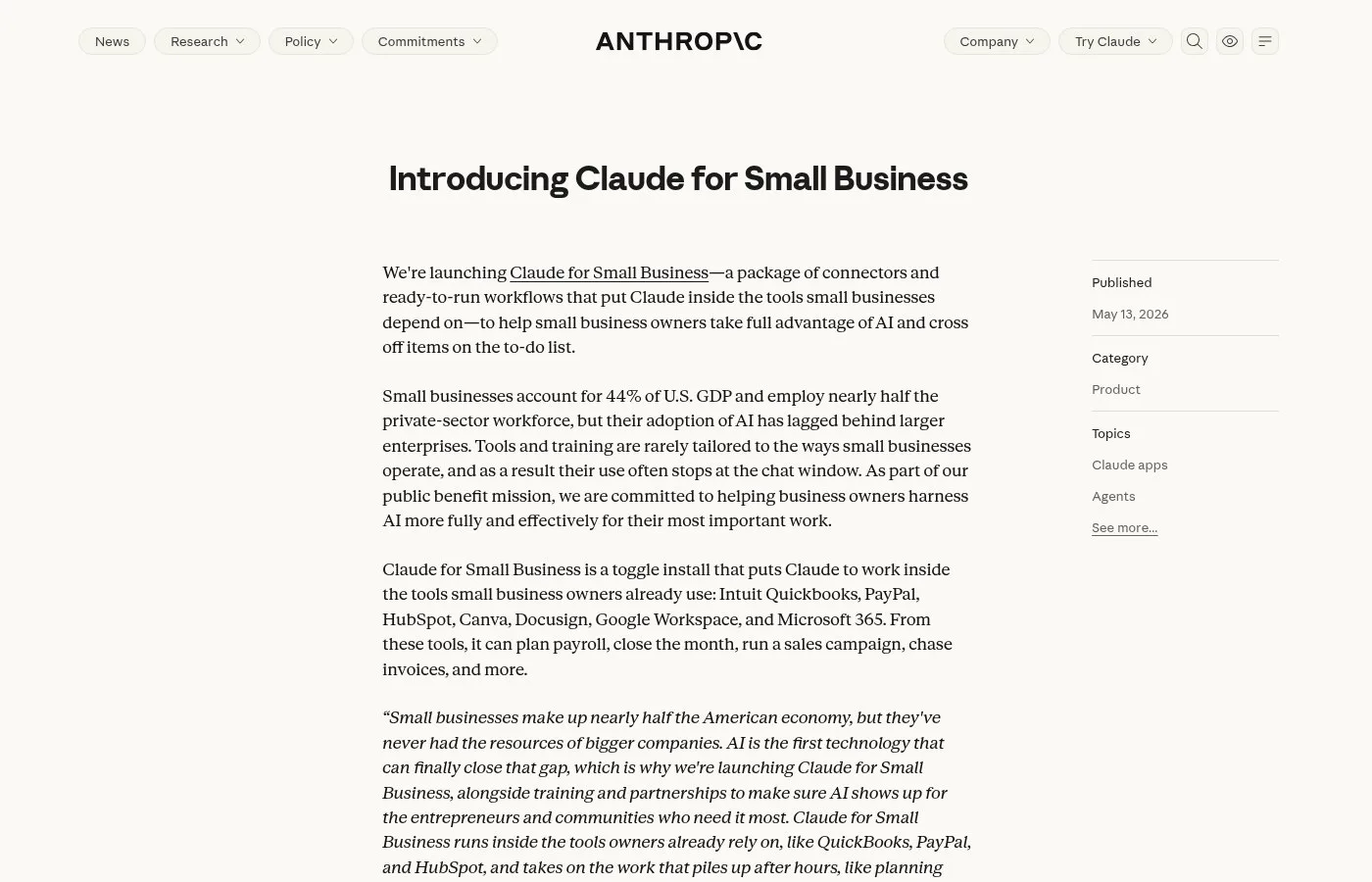
Screenshot of Anthropic's "Introducing Claude for Small Business" page.
Here is how a payroll check runs from start to finish:
Every owner asks the same question the week before payday: "Will I make it?" Plan payroll with confidence answers it. First, connect the tools you need, Gmail, Quickbooks and Paypal from the connectors panel on the left. Then ask Claude to help you plan your payroll or use the slash command slash plan dash payroll.
First, co-work pulls data, AR, AP, and cash timing from Quickbooks and transaction history from Paypal. Next, co-work builds the forecast cash on hand, payroll cost, payroll coverage, outstanding receivables and the full 90 day picture.
The last step is yours. You read the verdict and decide:
Once Claude's done, you'll see the analysis, your cash position, your cash flow forecast and the payroll verdict. You know whether you can make payroll. Lastly, you can export the analysis and cash flow snapshot to G Sheets or Excel so you can dig in yourself or send it to your accountant.
What used to be a Sunday night scramble through spreadsheets, bank tabs and overdue invoices is now a five minute review. And you go into payday knowing the number, not guessing at.
Customer messages, bookings and posts are the next jobs
Customer-facing work is any repeated job where a message comes in and someone has to look something up and act, such as moving a booking or publishing on a schedule. In 2026 the examples small owners share are concrete: an agent that offers new appointment slots, an agent that fills a month of Facebook posts, and a pumpkin patch run by one owner with four agents. Each has one clear job, a clear trigger and a result the owner can see in a calendar or a booking list. For the wider picture, see AI agents for business.
A booking change shows the difference between a canned reply and an agent doing the work:
A customer writes, "Can I move my Thursday appointment to next week?" A chatbot replies with something generic, while an agent reasons, "I need to find that booking." It acts, it looks it up, it observes next week has 3 open slots, then it decides offer the slots and update the booking reason, act, observe, adjust.
Pick the pattern by the problem:
It depends on the problem. Repeating workflows, sequential, whatever walks in the door. Reactive, multi step goals, planning.
A one-person business can run on the same idea:
Meet Rosa. She runs a pumpkin patch in Brentwood, California, with just two helpers plus four AI agents, each with its own job. She sets it all up with one message. Then she asks an agent for a booking site. No tech background, no developers.
Bookings are climbing, but the pumpkins are running out. Her agents flag it before anyone else notices
Scheduled posting is a job where the agent can go too fast, so the owner sets the pace:
AI is very powerful, can do everything, can try to do it at once. However, you don't want that. Why? Because you want the process to run without errors. And like a human, you need to check the errors because it's coming to put the schedule for the whole month.
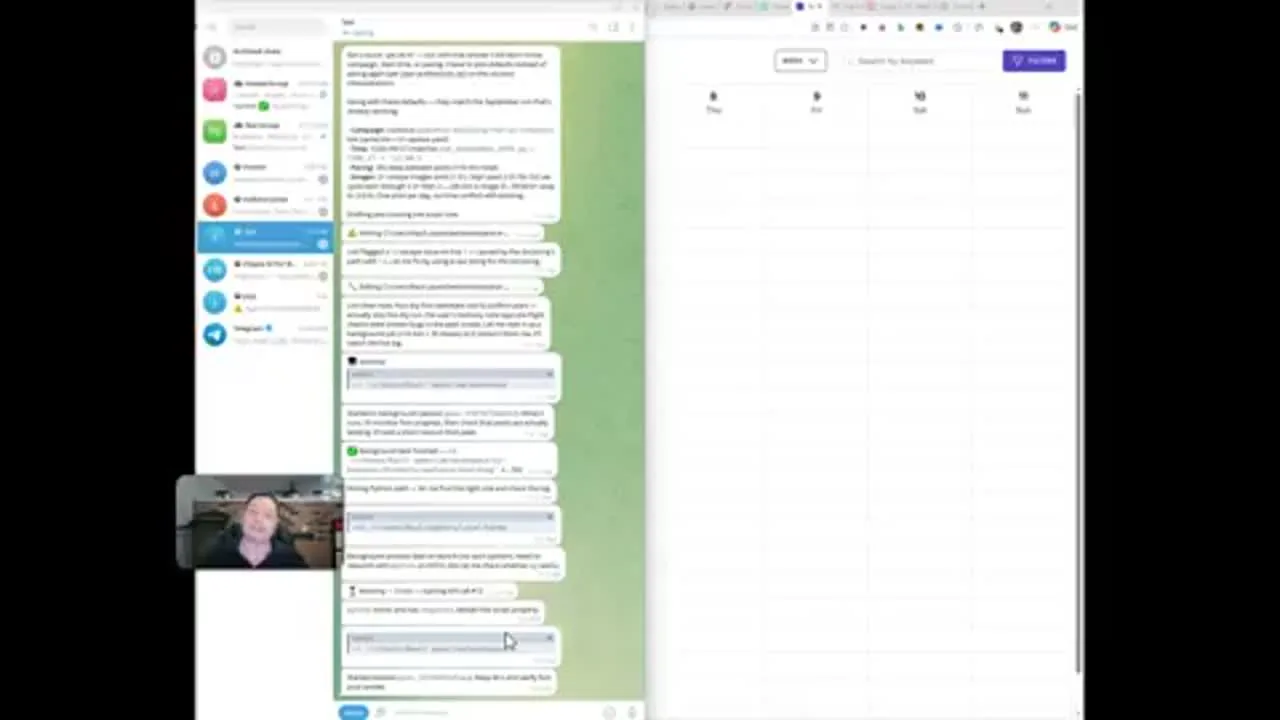
Frame from a demo of an AI agent scheduling a month of Facebook posts.
You can be cleaning something in the computer. You can keep calling your customers or do any project that you want. With this kind of setup, you save time.
Choose the setup you can review before it acts
The right setup is the easiest one that still lets you read every result before it goes out, and for most small businesses that is the middle level of freedom. In 2026 the choices run from a self-hosted agent such as Hermes Agent, an open-source agent from Nous Research, to a toggle inside tools you already use. Agents come in three levels of freedom, and the second one is the one to start with.
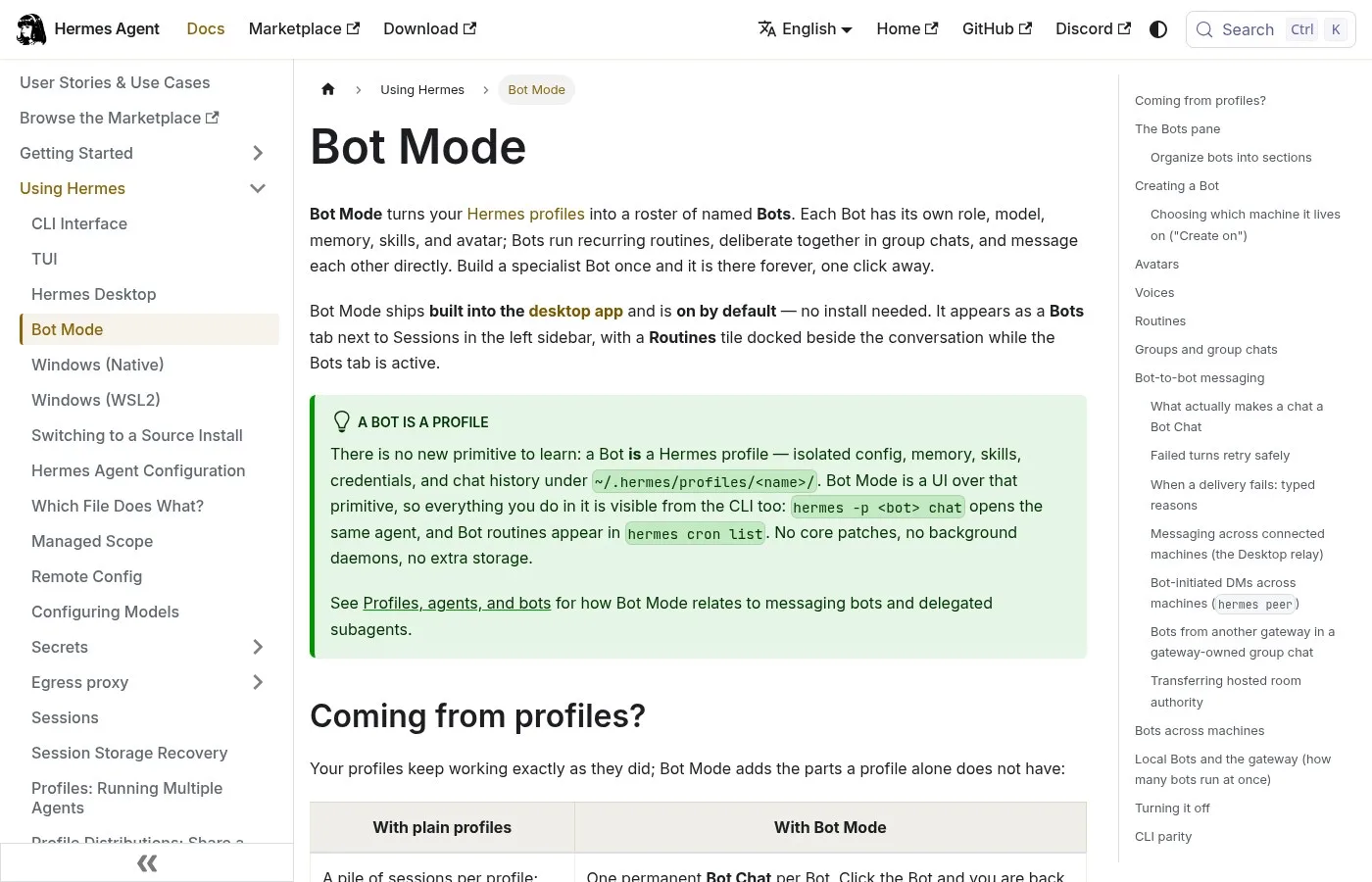
Screenshot of the Hermes Agent documentation.
Here are three different ways that you can create an AI agent for your business, from hard to the easiest.
So the most difficult way you can bring in an AI agent is by deploying it yourself through a service like Open Claw. But the way Open Claw works out of the box is you can run a command line on your computer and you can deploy it on your computer. But it is the hardest because you have to figure out all the networking and all the technical stuff in code yourself.
Freedom is a dial you choose:
Agents also come with different levels of freedom. At the lowest level, they only suggest. In the middle, they draft work for your approval. At the highest level, they act on their own. For most small businesses, the middle level is the sweet spot.
A good first goal states the job, the output and the review in one sentence:
You give the agent a goal: find 10 local cafes that might need catering, draft a personal intro email to each, and save everything to a spreadsheet for your review.
Protect your data before you connect anything
Data safety is the set of keys, files and approvals that decide who can reach your business once a tool is connected. In 2026 the first risk is your own setup, because the keys that join your tools can be exposed if you are careless. Keep a short checklist for the first month: list what each connected tool can read, store keys the way you store passwords, and keep a person at the approval step for anything that leaves the business.
Could someone access your business if you use AI to automate it? Well, yes, it's possible. If you're careless, the keys that connect your tools, sitting files on your computer and those can be exposed. So treat those keys like passwords.
Some data needs a different setup altogether:
If your business has some sensitive information, well, it might be better to use a local AI model or go for the enterprise plan with zero data retention.
And the job should check itself:
Every automation that you build should double check its own work before it moves on, like a second pair of eyes. And if a number looks off, it's gonna get flagged. And before anything important goes out, it's gonna wait for approval.
How to run this in Pachat
Pachat is a web product at pachat.ai: Different personal AI agents, in one group chat. Put your Claude, Grok Bot, Muse and ChatGPT dots in one group chat. They check each other's facts and argue it out, then you make the call.
- Write your one job in a sentence, for example the weekly payroll plan or the replies to booking requests.
- Put your agents in one group chat at pachat.ai and give each the same job.
- Let them check each other's facts and argue it out.
- You make the call before anything is sent or posted.
For a longer walk-through, read the AI group chat guide.
FAQ
What is the best first AI automation for a small business?
Start with one repeated job that already has a clear result, such as payroll planning, booking replies or scheduled posts. A job is a good candidate if you do it every week, the data already sits in tools you use, and you can check the output yourself. Anthropic's Claude for Small Business, launched on May 13, 2026, lists payroll planning among its 15 ready-to-run workflows, which shows how common this first choice is.
How many jobs should I automate at the start?
One. List 3 repetitive tasks, pick the simplest, and automate only that one first. Run it for a few weeks, check the results, and only then add a second job. Gartner predicts that more than 40% of agentic AI projects will be canceled by the end of 2027, with unclear business value among the reasons, so a small first step with a clear result is the safer way to learn what works in your business.
Can AI plan payroll for a small business?
AI can prepare the forecast, but you still make the decision. In the demo for Claude for Small Business, the tool connects to QuickBooks and PayPal, pulls receivables, payables and cash timing, and builds a 90-day forecast with a payroll verdict. You can then export the analysis to Google Sheets or Excel and send it to your accountant, which keeps a person at the final check before payday.
Do I need to know how to code to automate a small business?
No. Many of today's automation tools are visual, drag and drop interfaces, and a simple no-code tool is enough for a first job. The harder end of the ladder is self-hosting an agent yourself, where you handle the networking and technical setup in code. In 2026 a small business can start at the easy end, with a toggle inside tools it already uses, and move up only if the job needs it.
How do I keep my business data safe when I automate?
Treat the keys that connect your tools like passwords, because careless handling can expose them along with files on your computer. Keep sensitive information out of general-purpose setups: a local AI model or an enterprise plan with zero data retention may be a better fit. Add an approval step so that nothing important goes out until you have checked it, and review what each tool can read before you add a 2nd connection.
How much freedom should an AI agent have in a small business?
Start in the middle of the 3 levels. An agent can work at three levels: it only suggests, it drafts work for your approval, or it acts on its own. For most small businesses the middle level is the sweet spot, because you keep the final say while the agent does the first draft. Move a job to the highest level only after you have seen it get the result right many times.
What does Pachat add to an automation plan?
Pachat is a web product at pachat.ai: Different personal AI agents, in one group chat. Put your Claude, Grok Bot, Muse and ChatGPT dots in one group chat. They check each other's facts and argue it out, then you make the call. For a small business that means you can bring your 1 job to several agents, compare their answers and decide yourself before anything is sent or posted. Start at pachat.ai.
How is this different from a guide to AI agents for business?
This guide is about which jobs to automate first and how to start in 2026. It does not explain what an AI agent is. For a definition, how agents work and how they differ from chatbots, read AI agents for business and what is an AI agent, then come back and pick your first of 3 jobs.
Ready to try it? Put your agents in one group chat at pachat.ai.
References
- @tjaichamp, 2026-05-14 — https://x.com/tjaichamp/status/2054749304313741803
- @heyfabrika, 2026-04-17 — https://x.com/heyfabrika/status/2045080464323379682
- @tomcrawshaw01, 2026-11-02 — https://x.com/tomcrawshaw01/status/2117361165315518605
- @re_ork, 2026-02-20 — https://x.com/re_ork/status/2024673902085996730
- @Peterpanusa, 2026-09-26 — https://x.com/Peterpanusa/status/2103815771524600153
- @Teamily_AI, 2026-10-08 — https://x.com/Teamily_AI/status/2108193886137106487
- @Wakato_io, 2026-10-21 — https://x.com/Wakato_io/status/2112969216085066036
- @WeAreZentric, 2026-11-03 — https://x.com/WeAreZentric/status/2117637657761104154
- Anthropic, Introducing Claude for Small Business, 2026-05-13 — https://www.anthropic.com/news/claude-for-small-business
- Gartner, Predicts over 40% of agentic AI projects will be canceled by end of 2027, 2025-06-25 — https://www.gartner.com/en/newsroom/press-releases/2025-06-25-gartner-predicts-over-40-percent-of-agentic-ai-projects-will-be-canceled-by-end-of-2027
- U.S. SBA Office of Advocacy, 2026 small business profile — https://advocacy.sba.gov/wp-content/uploads/2026/09/United_States.pdf
- Nous Research, Hermes Agent docs — https://hermes-agent.nousresearch.com/docs/user-guide/bot-mode